The Best App for Reading PDF Out Loud on iPhone
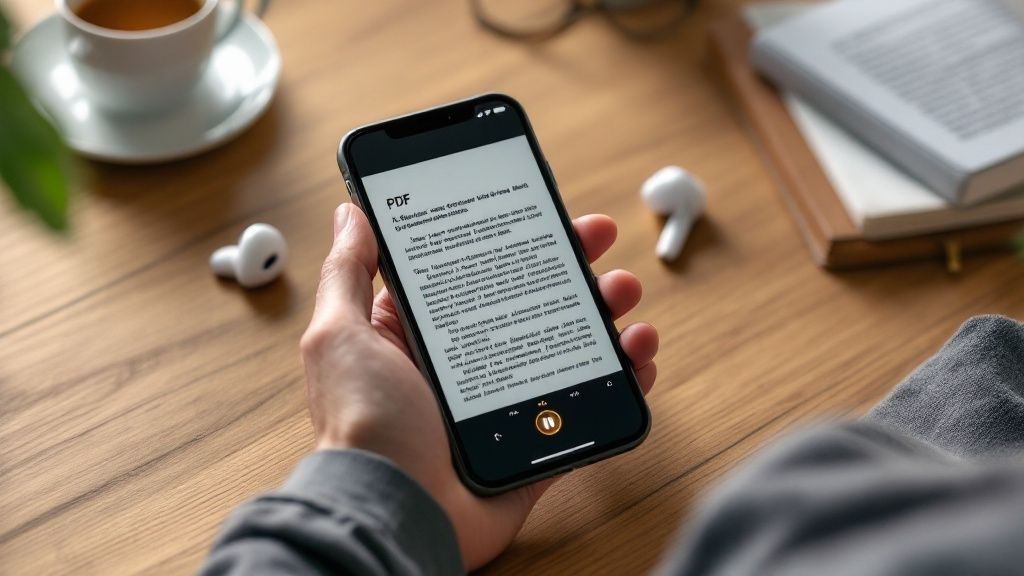
If you've been searching for the best way to have PDFs read aloud on your iPhone, you've found it. The answer is Speak4Me, a seriously powerful text-to-speech tool that turns your static documents into spoken words. It’s perfect for anyone who needs to get through reports, articles, or study materials while on the move.
Turn Your iPhone Into a Personal PDF Reader
Think about it: you could be listening to a dense quarterly report during your commute or catching up on course material while you're out for a walk. This is the freedom that hands-free reading gives you. Instead of being glued to a screen, you can absorb information while multitasking, giving your eyes a much-needed break, or just getting things done around the house.
This isn’t just a nice-to-have feature anymore; it’s practically essential. We're all dealing with a mountain of digital documents. In fact, over 400 billion PDFs are opened every single year, and a huge chunk of that—39% of all PDF activity—is happening on mobile devices. That trend alone shows why an app that can read your documents aloud is so valuable.
Why Listening Makes a Difference
Turning text into audio is about more than just convenience. It’s a game-changer for different learning and productivity styles. If you're an auditory learner, you probably retain information much better when you hear it spoken aloud. For busy professionals, listening to documents can transform otherwise unproductive time—like driving or doing chores—into a chance to get ahead.
Speak4Me is designed to assist you in a few key ways:
Boost Your Productivity: You can listen to content at up to double the normal reading speed, helping you get through material much faster.
Improve Accessibility: It's a fantastic tool that supports anyone who finds reading on a screen challenging, making digital content more inclusive for everyone.
Enhance Retention: When you hear the text while seeing it highlighted on the screen, it can seriously improve your focus and how much you remember.
The move from static text to dynamic audio is part of a larger trend, which you can see in the digital evolution of PDF documents.
The ability to listen to your documents is a simple change that can fundamentally alter how you manage information. It transforms reading from a stationary activity into a mobile, flexible part of your day.
Here's a quick look at how Speak4Me assists you in getting more done.
Why Listen to PDFs with Speak4Me
Benefit | How Speak4Me Helps |
|---|---|
Multitask Effortlessly | Listen to documents during your commute, at the gym, or while doing chores. |
Reduce Eye Strain | Give your eyes a rest from staring at screens all day. |
Learn More Effectively | Absorb information as an auditory learner or reinforce it by hearing and seeing. |
Save Time | Get through your reading list faster with adjustable playback speeds. |
Ultimately, Speak4Me gives you the flexibility to consume information on your own terms, wherever you are.
Ready to give it a try? Start listening to your PDFs right away with our free online PDF reader.
Get Started Listening in Under Five Minutes
You can go from zero to listening in practically no time at all. Setting up Speak4Me is incredibly quick—we're talking just a few minutes from download to hearing your first document read aloud. The whole thing is designed to be straightforward.
First, you'll need to grab the app from the App Store. Here’s a quick look at the listing so you know you've got the right one.
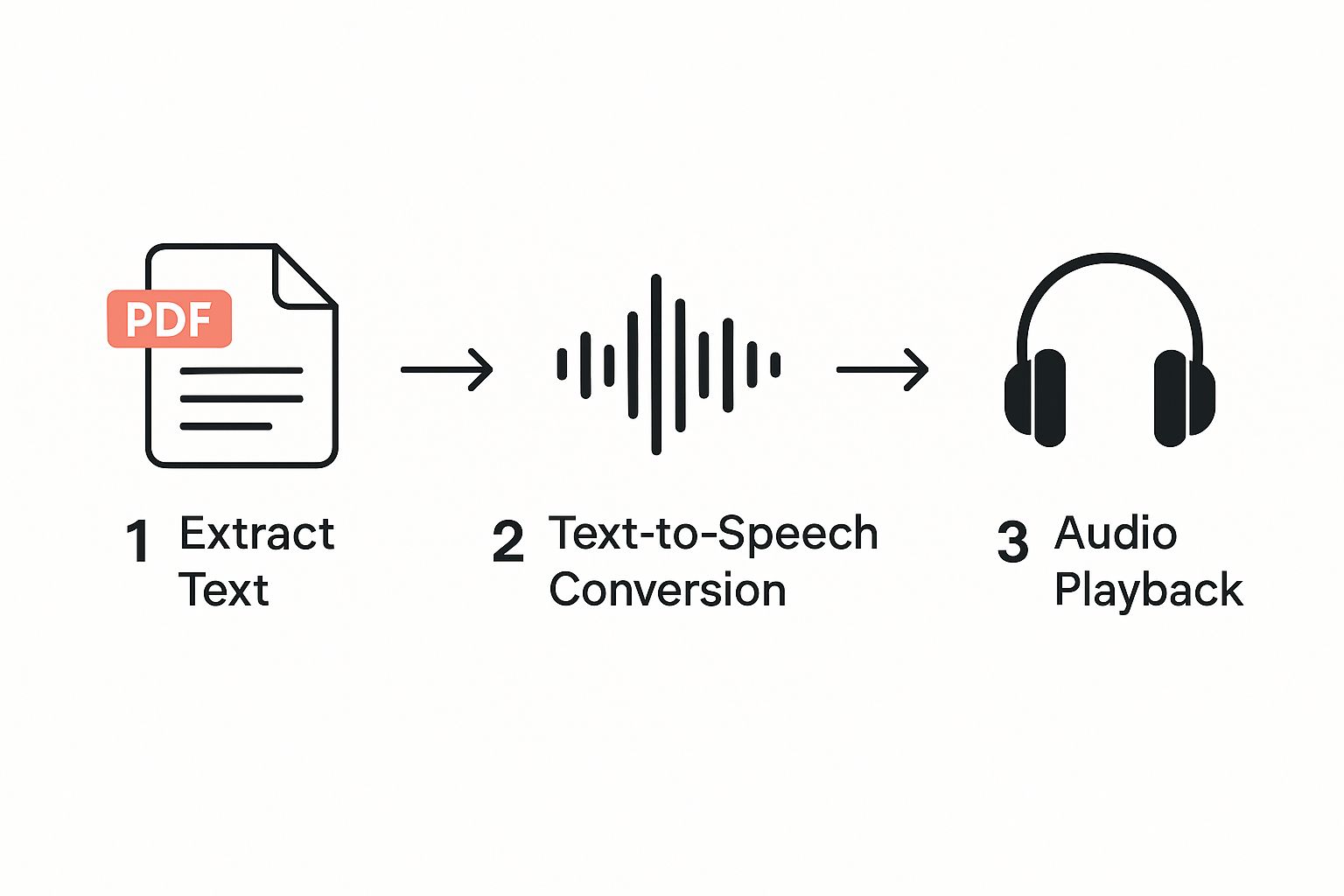
Once it's installed, you’ll notice the clean interface. It's a breath of fresh air if you're just looking for a solid app for reading pdf out loud without getting bogged down in complicated menus.
Your First Listen
Getting your files into the app is just as simple. You can pull in PDFs from pretty much anywhere you store them on your phone.
From Your Email: Just tap and hold on a PDF attachment in your Mail app. When the "Share" menu pops up, pick Speak4Me.
From Cloud Storage: You can link your iCloud Drive, Google Drive, or Dropbox right inside the app, letting you browse and import files without leaving Speak4Me.
From Other Apps: The standard iOS Share Sheet works perfectly. If you're in another app with a PDF, just share it directly over to your Speak4Me library.
Once a document is loaded, you just tap the play button. That’s it. The app gets to work, reading the text in a surprisingly clear and natural voice. It genuinely turns that dense report or long chapter into something you can listen to while you're on the go.
Ready to try it out? Download Speak4Me free on iOS at https://apps.apple.com/us/app/id894460403 and give your eyes a break.
Build Your Personal Audio Document Library
It helps to think of Speak4Me as more than just a reader. It’s your own personal library of audio documents. When you keep it organized, you turn a random collection of files into a powerful resource for learning and getting things done. A tidy setup means less time fumbling around and more time actually listening.
The demand for mobile-friendly tools that can handle documents is exploding. The global PDF reader software market was valued at USD 1.95 billion in 2024 and is on track to hit around USD 2.9 billion by 2032. That’s a lot of growth, and it really underscores why having a solid app for reading pdf out loud is no longer a luxury—it’s a necessity for an efficient workflow.
Seamlessly Import Your Files
Getting your documents into Speak4Me is refreshingly straightforward, no matter where you keep them. You've got a couple of really simple ways to start filling up your library.
Direct Cloud Access: You can connect services like Dropbox, Google Drive, or OneDrive right inside the app. This is perfect for pulling in reports, articles, or study guides you have stored online with just a few taps.
The iOS Share Feature: This is a personal go-to for speed. If you have a PDF open in another app—maybe your email or a message—just hit the 'Share' icon and pick Speak4Me from the list. The document pops right into your library, ready to go.
This kind of flexibility is key because it means you can grab any document you need and have it ready for listening in seconds. A well-managed library can completely transform your reading experience with read text to speech tools.
By creating dedicated folders for work, study, or leisure reading, you build a structured audio library that’s always ready when you are. A little organization upfront saves a lot of time later.
Ready to start? Download Speak4Me free on iOS at https://apps.apple.com/us/app/id894460403 and begin turning your documents into knowledge you can listen to anywhere.
Personalize Your Listening Experience
The best apps feel like they were built just for you, and that’s especially true for something as personal as a text-to-speech reader. With Speak4Me, you’re in the driver's seat, able to shape the listening experience to fit exactly what you need.
Whether you're digging into a dense academic paper or just getting the gist of a weekly report, the right settings can be a game-changer. It's the difference between just hearing the words and actually understanding them.
Fine-Tune Your Audio Settings
Let's start with one of the most practical tweaks: playback speed. When working through complex legal documents, you can slow the narration way down to catch every detail. But if you're just reviewing meeting notes, you can crank it up to blaze through the text. It’s all about matching the pace to the material.
The voice itself is another huge factor. A grating, robotic voice can make even a short document feel like a chore. Speak4Me gives you a roster of high-quality, natural-sounding voices to choose from. Take a minute to find one that’s easy on the ears—it makes longer listening sessions so much more pleasant.
I also highly recommend turning on text highlighting. This feature is a lifesaver for staying focused.
As the app reads, it highlights the words on the screen. This simple visual cue keeps your eyes and ears locked on the content, which is fantastic for retention and a big help if your mind tends to drift.
Customizing your experience isn't just a nice-to-have feature; it’s about making the app work for your brain. Adjusting the speed, voice, and visual aids turns passive listening into a truly active learning process.
Ultimately, these tools are there to make your life easier. By taking a few moments to tailor the settings, you’ll create a far more effective and enjoyable way to get through your reading list.
Ready to find your perfect settings? You can download Speak4Me for free on iOS right now.
Download Speak4Me on the App Store
Go Pro and Supercharge Your Productivity
Once you have the basics down, you can really start to see how Speak4Me is more than just an app that reads PDFs aloud—it's a serious productivity tool. This is where you move beyond simple listening and start to actively manage your workflow. The advanced features are built for anyone who needs to get through a lot of material efficiently.
Think about it: you're digging through a long research paper or a dense business report. The bookmark feature is a lifesaver. Instead of trying to scrub back and forth through the audio to find that one key statistic you need, you can just drop a bookmark. It lets you jump right back to that spot instantly. This saves so much time when reviewing notes.
The demand for these kinds of tools is exploding. The market for PDF reader software hit USD 1.96 billion in 2024 and is expected to more than double to USD 4.69 billion by 2031. A big driver for that growth is the demand for text-to-speech and other accessibility features.
Master Your Content with Playlists and Layout Tricks
Here’s another game-changer: playlists. Picture this: you can queue up several chapters from a textbook or a few industry articles for your morning commute. You just create a custom playlist, and the audio flows from one document to the next without you having to lift a finger. It’s like creating your own personal podcast tailored to exactly what you need to learn.
To get the most out of audio-based learning, you might want to combine it with other valuable study tips to really lock in the information.
Finally, let's talk about tricky layouts. Academic journals with multiple columns or fancy newsletters can trip up some reader apps. Speak4Me handles these pretty well, but here’s a pro tip: for the cleanest playback, just zoom in on a single column before you hit play. This little trick helps the app focus only on the text you want, giving you a smooth and accurate reading every time.
Key Takeaway: When you master bookmarks and playlists, you turn Speak4Me from a simple reader into a strategic tool. It helps you manage and absorb huge amounts of information way more effectively.
Answering Your Top Questions About Reading PDFs Aloud
Got a few questions before you dive in? Here are some quick answers to the things people most often ask about using an app like Speak4Me to read PDFs out loud. A few of these tips will really help you get the best listening experience.
A common point of confusion is which types of files work best. The short answer is that Speak4Me handles pretty much any PDF that has selectable text. If your document started life as a Word file, a Google Doc, or a webpage, you’re golden. It’ll be a smooth ride.
But what if your PDF is just an image of text? Think of a basic scan of a book page. In that case, the app won't be able to read it. That's because there's no actual text layer for the software to grab onto and convert into speech. It's just a picture.
Do I Need an Internet Connection?
One of the best parts is its offline capability. As soon as you bring your PDFs into the Speak4Me library, they're saved right on your iPhone.
That means you can listen to your documents literally anywhere. On a plane, on the subway, or in a remote area with zero Wi-Fi or cell service—it doesn't matter. It’s a fantastic way to make your commute or travel time more productive.
What Languages and Voices Are Available?
Speak4Me is incredibly flexible here. Instead of using its own limited set of voices, the app taps into the high-quality, natural-sounding voices already built into your iOS device.
This gives you access to dozens of languages and all sorts of regional accents, from American English and Castilian Spanish to German and French. You can easily switch the voice, language, or even speed things up in your iPhone's main settings, and Speak4Me will instantly use your new preference.
The real secret to a great experience is making sure your PDFs have selectable text. Honestly, this one detail is what transforms a static document into engaging audio, letting you absorb information on your own terms.
Ready to turn that pile of reading into a listening list? With Speak4Me, you can convert your documents into clear, natural-sounding audio and listen wherever you are, whenever you want.
Try Speak4Me for Free
