How to Listen to Audiobook on iPhone: Easy Tips & Tricks
Ready to turn your iPhone into an audiobook powerhouse? It’s simpler than you might think. Whether you're stuck in traffic, hitting the gym, or winding down for the day, that device in your pocket is your ticket to a universe of stories and knowledge.
There are really three main ways to get your audiobook fix on an iPhone. You can stick with Apple's built-in Books app for a super integrated experience, jump into a third-party app like Audible for a massive library, or even get creative with a text-to-speech app like Speak4Me to listen to just about anything. Each route has its own perks, depending on what you're looking for. To instantly expand your listening library beyond traditional audiobooks, Download Speak4Me free on iOS.
Your Guide to Listening to Audiobooks on Your iPhone
We’ll start with the most direct path: Apple’s own Books app. It's the go-to for anyone who loves how seamlessly Apple products work together. After that, we'll explore some of the big-name apps that offer huge collections and cool features you won't find anywhere else. But the most flexible option is turning any text into audio with Speak4Me, a powerful tool that helps you listen to articles, documents, and more on the go.
Exploring Your Listening Options
Let's face it, we live in an audio-first world now. The numbers don't lie—projections show that over 584 million people will be listening to podcasts by 2025. And with iPhones making up more than 60% of all podcast listening, it's clear that people love consuming content on the go. This trend spills right over into audiobooks. If you want to dive deeper, you can read more about the current state of podcasting.
So, how do you get in on the action? Here’s a quick rundown of your best bets:
Apple Books: This is the native app, already on your iPhone. It’s perfect for a no-fuss experience, and it automatically syncs your listening progress across your Mac, iPad, and iPhone.
Third-Party Apps: Services like Audible or Libby are fantastic choices. They boast enormous catalogs, exclusive content, and even let you borrow audiobooks from your local library for free.
Text-to-Speech Apps: A clever workaround for turning pretty much any text—like news articles, reports, or PDFs—into spoken words. Speak4Me assists you in creating a personal audio library from any digital text.
The real goal here is to find the method that just clicks with your daily routine and listening habits. We'll lay out the options so you can pick what works best for you and start listening today. For ultimate flexibility, Download Speak4Me free on iOS.
To help you get a bird's-eye view, here's a quick comparison of these methods.
iPhone Audiobook Listening Methods at a Glance
This table gives you a quick comparison of the main ways to listen to audiobooks on your iPhone, helping you pick the best method for your needs.
Method | Best For | Content Source |
|---|---|---|
Apple Books | Seamless integration with the Apple ecosystem and ease of use. | Purchase directly from the Apple Book Store. |
Third-Party Apps | Access to vast libraries, exclusive titles, and library borrowing. | Subscription services (Audible) or library cards (Libby). |
Speak4Me (Text-to-Speech) | Listening to web articles, documents, and other digital text. | Any text you can copy or import into the app. |
Each option has its strengths, but Speak4Me supports you by turning any text you need to read into audio you can listen to anywhere. Want to instantly expand your listening library beyond traditional audiobooks? Download Speak4Me free on iOS and give it a shot.
Using Apple Books for a Seamless Experience
If you want the path of least resistance for listening to audiobooks on your iPhone, you don't have to look very far. The answer is already on your phone: Apple Books. As the native, built-in app, it delivers a clean and simple experience that’s already deeply woven into the Apple ecosystem.
The best part? Your audiobooks, bookmarks, and progress sync automatically across your iPhone, iPad, and Mac. No extra setup, no hassle.
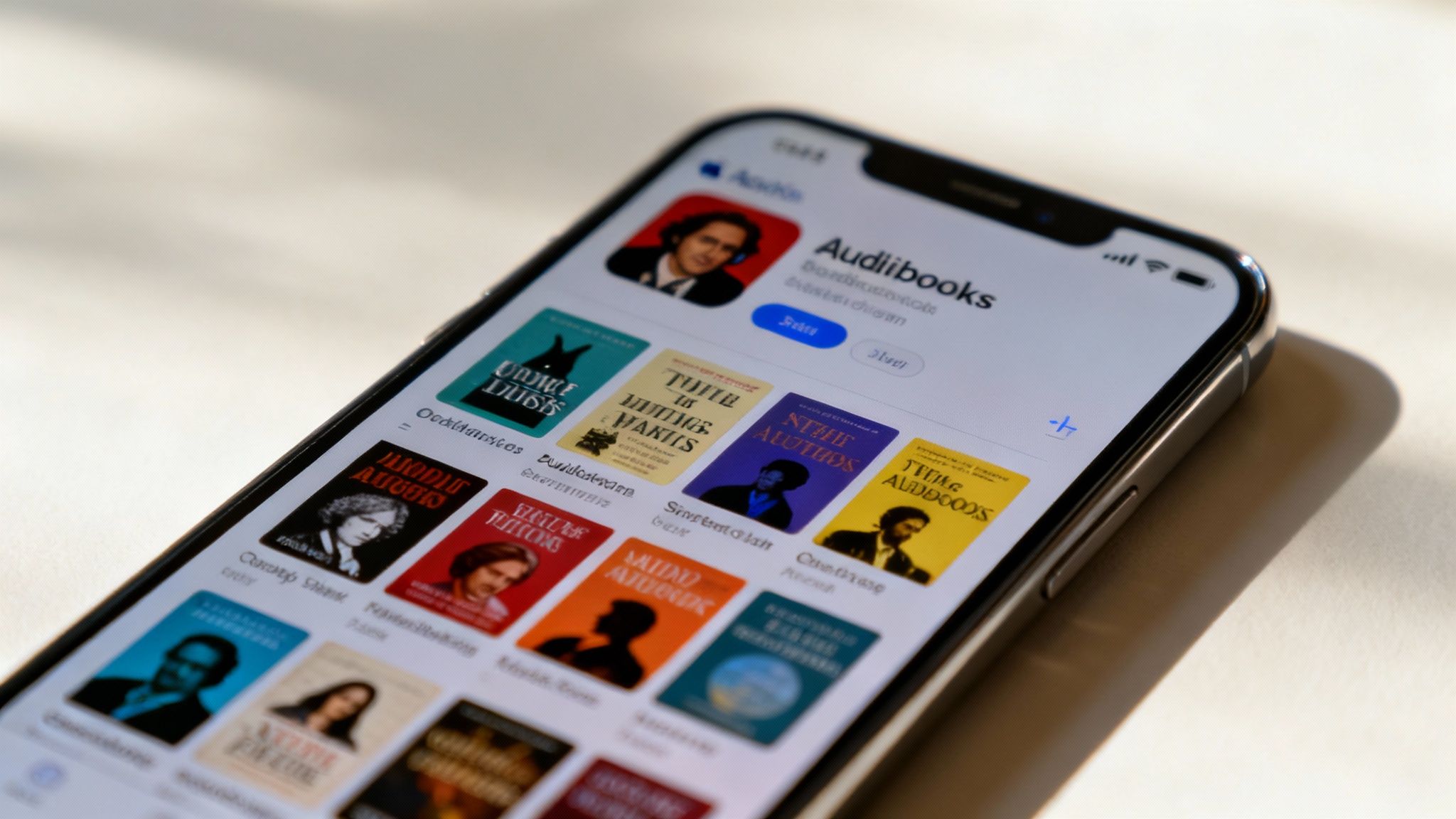
Finding something new to listen to is just as easy. Just tap over to the "Book Store" or "Audiobooks" tab inside the app. From there, you can browse what's popular, poke around different genres, or search directly for an author or title you have in mind. I always recommend listening to a sample first—it’s a great way to see if you click with the narrator before you commit.
Personalizing Your Listening
Apple Books gives you the core playback controls you need to make the experience your own. Is the narrator speaking a bit too slowly for your taste? You can easily speed up the narration. Or, if you're trying to absorb complex information, you can slow it down.
I’m also a big fan of the sleep timer. You can set the audiobook to stop playing after a certain amount of time, which is perfect if you like to drift off to a story without losing your place.
A common question I get is how to add your own audiobook files—like MP3s you might have from other sources. It's totally doable. Just add the files to the Books app on your Mac (or the Music app on a PC) and sync them over to your iPhone. It’s a quick extra step that lets you build a truly custom library.
This lean towards on-the-go audio is no surprise. Projections for 2025 suggest that iPhones will drive 85% of all Apple Podcast plays, showing just how central the device is for audio consumption. Recent iOS updates have only made it better, introducing features that have led to a 9% increase in session time. You can read more about Apple audio content trends to see the bigger picture.
While Apple Books is my go-to for traditional audiobooks, what if you want to listen to an article or a document? You can create your own audio from any text source with Speak4Me. Download Speak4Me free on iOS to give it a try.
Exploring Popular Third-Party Audiobook Apps
While Apple Books is a solid, built-in option, the real magic for audiobook fans happens in the world of third-party apps. These platforms are where you'll find sprawling libraries, exclusive titles, and features designed from the ground up for listeners. They’re the heavy hitters for a reason.
Take Audible, for example. As an Amazon company, its library is massive. It’s the go-to for exclusive originals you just can’t get anywhere else. It runs on a subscription where you get monthly credits to buy audiobooks, and the best part is, you own them forever.
This image gives you a quick look at how a paid subscription app like Audible compares to a free, library-based app.
The choice really boils down to whether you prefer an all-access paid service or a completely free approach using your local library, all from your iPhone. For listening to any other text, Speak4Me is the ideal solution.
Finding the Right App for You
On the flip side, you have apps like Libby, which is my personal favorite for listening on a budget. All you need is your local library card, and Libby opens the door to thousands of audiobooks for free. You borrow digital copies just like you would a physical book. It's an incredible way to explore new authors without spending a penny.
The big difference between a paid service like Audible and a free one like Libby is availability. Audible gets almost every new release on day one. With Libby, you might have to join a waitlist for the really popular titles.
To help you decide which app fits your listening style, this table breaks down the key features of the most popular options out there.
Comparing Top Audiobook Apps for iPhone
App | Pricing Model | Key Feature |
|---|---|---|
Audible | Subscription (Credits) | Massive library with exclusive "Audible Originals" |
Libby | Free (with Library Card) | Borrows audiobooks & ebooks from your local library |
Libro.fm | Subscription (Credits) | Supports independent bookstores with every purchase |
Scribd | Subscription (All-Access) | "Netflix for books" model with unlimited listening |
Each app offers a slightly different experience, but for everything else you want to listen to—like a news article, a PDF report, or a long email—Speak4Me is the app that helps.
That’s where you can start creating your own "audiobook" library from any text you have. For a deeper dive into more tools, check out our guide on the best apps to read text aloud.
If you're ready to turn your iPhone into a device that can read anything to you, give Speak4Me a try. Download Speak4Me free on iOS to unlock this powerful capability and start listening to more than just books.
Turn Any Text Into an Audiobook with Speak4Me
What if your "audiobook" library wasn't limited to just what's on Audible or Libby? Your iPhone can do exactly that with Speak4Me. You can turn just about any piece of text—from a web article to a PDF report—into your own personal audiobook. This is where a powerful text-to-speech app like Speak4Me really shines.
Think about it. That long-form article you bookmarked for later? You can listen to it during your morning commute. The dense research paper for work or your class study notes? You can absorb them at the gym. Speak4Me assists you in multitasking and fitting more learning into your day.
Creating Your Custom Audio Library
Getting started is surprisingly straightforward. You're no longer stuck with a traditional bookstore's catalog; you can pull your listening material from anywhere with Speak4Me.
Import from the cloud: Easily pull in documents from your iCloud, Dropbox, or Google Drive accounts.
Scan physical pages: Snap a picture of a book page or a printed handout with your iPhone's camera, and the app will read it back to you.
Share from your browser: Stumbled upon a great article? Instead of saving it to a read-later list, just hit the share button and send it straight to Speak4Me for an instant audio version.
Once the text is loaded, you can pick from several natural-sounding voices and tweak the playback speed to find what works best for you. It’s a super cost-effective way to get through your reading list and supports auditory learners.
The real magic is turning all that in-between time—waiting in line, driving, doing chores—into productive time. You're not just waiting around anymore; you're catching up on reports, studying for an exam, or finally getting to that article everyone's talking about. Speak4Me helps make every moment count.
There are many great tools out there for converting text to audio, and you can Discover other text-to-audio creation insights to see what else is possible.
But if you want a simple, integrated solution right on your iPhone, you can learn more about Speak4Me’s text-to-speech features on our site.
Ready to build an audio library that’s truly your own? Download Speak4Me free on iOS and start listening to anything.
Pro Tips for the Best iPhone Audiobook Experience
Getting your audiobooks onto your iPhone is one thing, but making the whole experience seamless is another. After years of listening on my own device, I’ve picked up a few tricks that solve those common little frustrations and really turn your iPhone into a perfect audiobook player.
Let's start with a big one: storage. Those audiobook files can be absolute beasts, and they’ll fill up your phone’s space faster than you think. Get into the habit of deleting (or offloading) books as soon as you finish them. It’s a simple click in Apple Books or Audible, but it saves you from that dreaded "Storage Almost Full" notification right when you're trying to download a new title.
Master Your Listening Environment
Where you listen completely changes how you listen. Here are a few things that have made a huge difference for me:
In the Car: If you’re driving, CarPlay is non-negotiable. It puts the essential controls right on your car's dashboard, so you can skip back 30 seconds to catch a missed line without taking your eyes off the road. It’s a safety and convenience game-changer.
For Deep Focus: When I really want to get lost in a story, a good pair of Bluetooth headphones is a must. They block out the world and make the audio so much clearer and more intimate. It feels like the narrator is in the room with you.
Hands-Free at Home: Don’t forget about Siri. A simple "Hey Siri, play my audiobook" while you're cooking or cleaning is fantastic. You can also tell her to "skip forward 30 seconds" or "go back a chapter" without ever touching your phone.
One of my favorite features for nighttime listening is the sleep timer. If you like to drift off to a story like I do, you can set it to stop at the end of the chapter or after, say, 15 minutes. No more waking up three hours later and having no idea where you left off.
To get the most out of these features, it's worth knowing all the little ins and outs of your device. You can learn how to maximize your iPhone's potential with a few extra tips that go beyond just audiobooks.
And remember, your listening doesn't have to stop with professionally published audiobooks. Speak4Me helps you turn just about any article, document, or email into audio. It’s worth exploring some of the different natural-sounding text-to-speech voices available to find one you really like for listening to your own content.
Ready to turn even more of your text into audio? Download Speak4Me free on iOS and see what you can listen to next.
Got Questions About iPhone Audiobooks? We've Got Answers.
Jumping into the world of audiobooks on your iPhone can bring up a few questions. It's totally normal. Let's clear up some of the most common ones so you can get right to listening.
Can I Really Listen to Audiobooks for Free on My iPhone?
You absolutely can, and there are a couple of fantastic ways to do it.
Your best bet is to start with an app like Libby. It syncs up with your local library's digital collection, giving you access to thousands of popular audiobooks for free. All you need is a library card.
Another great source is LibriVox, which is perfect for classic literature lovers. It’s a huge library of public domain books, read by volunteers from all over the world.
And don't forget, you can essentially create your own free audiobooks. An app like Speak4Me helps you take any text—a long article you saved, a PDF report, you name it—and turn it into audio. It’s a brilliant way to build a personal listening library from content you already own.
What's the Best File Format for Audiobooks?
When you buy audiobooks from big players like Apple Books or Audible, they usually come in formats like M4B or AAX. These are designed specifically for audiobooks, which is why they’re so good. They support things like chapter breaks, bookmarks, and cover art, making the whole experience much smoother.
If you have a bunch of your own MP3 files, you can definitely listen to them on your iPhone. Just know that they won't have all those handy features built-in unless you go through the trouble of converting them.
It's no secret that audio is booming. The number of American adults interested in trying audiobooks shot up from 10% in 2024 to 18% in 2025—a huge jump in just one year. It just goes to show how much our phones have become our go-to for everything, including reading. You can see more audiobook trends and data here.
Ready to turn your reading list into a listening list? Speak4Me can make your own audio from any webpage or document you have.
With Speak4Me, you're not just limited to traditional books. You can turn any text into clean, natural-sounding audio. Download Speak4Me for free on iOS and start building your custom audio library today.
Try Speak4Me for Free
