How to Organize Digital Files The Right Way
Let's be honest, feeling like you're drowning in a sea of digital files is a modern-day rite of passage. If you've ever spent 15 minutes digging for a document you know you saved somewhere, you get it. That constant searching isn't just annoying; it kills your productivity, adds stress, and completely shatters your focus.
The real problem isn't just a messy desktop. It's the slow, steady drain of time and mental energy that could be poured into work that actually matters. A clean, organized digital workspace isn’t a nice-to-have, it’s a non-negotiable for anyone serious about efficiency.
This guide is about building a system that lasts. We're not just doing a quick cleanup. We're creating a smart, sustainable process that gives you back control and, more importantly, your time. To get started on the right foot, Download Speak4Me free on iOS to capture your thoughts and ideas with ease.
Why a System Matters More Than Folders
Folders are just empty boxes. A true organization system is the set of rules you live by—a process that gives every new file a logical home the second you create or save it. This is about being proactive, not reactive.
When you have a system, the benefits are immediate:
Find anything in seconds. No more frantic searching.
Lower your stress levels. A tidy digital space is a calm digital space.
Get more done. Spend your time creating, not hunting.
Work better with others. No more "Where did you save that file?" questions.
The cost of being disorganized is staggering. Studies show that the average employee wastes about 1.8 hours every single day just looking for information. That's nearly 20% of the workweek down the drain. This isn't a minor inconvenience; it's a massive productivity killer.
A great digital filing system is less about having perfect folders and more about having a reliable process you can trust every single day.
Getting your digital life in order is one of the most powerful things you can do to boost your effectiveness. For a deeper dive into boosting your output, check out our guide on how to improve workplace productivity.
Let's quickly look at the core ideas we're going to build on.
Key Principles for Digital Organization
A quick look at the essential strategies we'll cover for effective digital file management.
Principle | Quick Action |
|---|---|
Folder Hierarchy | Design a simple, logical structure based on broad categories. |
Naming Conventions | Create a consistent naming formula (e.g., YYYY-MM-DD-Project-Description). |
Tagging & Metadata | Use keywords to make files searchable across different folders. |
Version Control | Add version numbers (v1, v2) to track document changes clearly. |
Regular Backups | Automate backups to a cloud service or external drive. |
Routine Maintenance | Schedule a quick weekly or monthly clean-up to archive old files. |
Putting these principles into practice is what separates a temporary fix from a long-term solution. To start organizing your spoken ideas and notes effortlessly, you need a tool that fits right into your new system. Download Speak4Me free on iOS to capture thoughts and file them with ease.
Build a Folder Structure That Lasts
Think of your folder structure as the skeleton of your entire digital life. Get it wrong, and everything else falls apart, no matter how clever your file naming is. It's like building a house—you can't put up walls without a solid foundation. The goal here is to create a hierarchy so intuitive that finding or filing a document becomes second nature.
A lot of people get tripped up at this stage by overthinking it. The best systems are surprisingly simple and just mirror the way you actually work and live. We'll walk through a "top-down" method, starting with a handful of big, obvious categories and then getting more granular with subfolders.
This infographic really nails the core problem of digital clutter and how a lack of structure directly eats into your time.
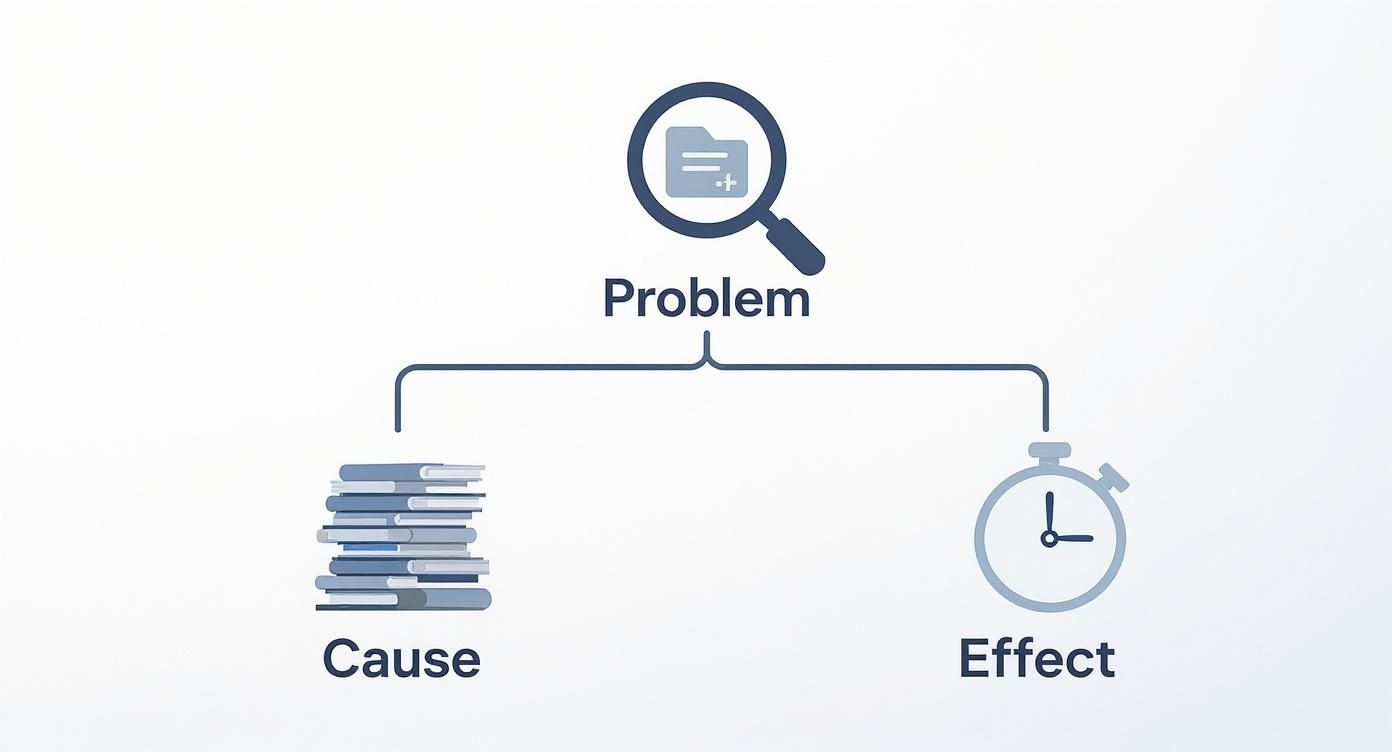
As you can see, the chaos often starts with having no system at all, which is a direct line to lost productivity.
Choosing Your Core Model
Before you create a single folder, you need to decide on your organizational philosophy. Most people fall into one of two camps: project-based or category-based. Neither is "better"—it's all about what makes sense for your workflow.
Project-Based: This is a lifesaver for freelancers, consultants, or anyone whose work is neatly packaged into projects with clear start and end dates. Each major folder is simply a client or a project name.
Category-Based: This one is perfect for organizing personal files or for roles that involve ongoing responsibilities instead of one-off projects. Your main folders might be things like
Finances,Personal,Work, andPhotos.
A hybrid approach often works best. You might have a top-level Work folder (that’s the category), which then contains individual folders for each of your projects.
Practical Folder Structure Examples
Alright, let's get out of the clouds and into the weeds. Here are a couple of templates you can steal and adapt. The most important tip is to keep the top level of your hierarchy dead simple—aim for no more than 5-7 folders if you can help it.
For a Freelance Designer: A project-based system is a no-brainer here. Each client gets their own walled garden, keeping all their stuff completely separate.
01_ClientsClient A01_Contracts02_Invoices03_Assets04_Deliverables
Client B
02_Marketing03_Finance04_Admin
See the numbers? That's a simple trick to force your folders into an order you choose, not alphabetical. Your most-used folders will always be right at the top.
Your folder structure should make sense to you in six months, not just today. Aim for clarity and simplicity over a complex system you'll eventually abandon.
For Personal Use: A category-based system is fantastic for sorting the different buckets of your life.
01_FinanceTaxes20232024
Bills
02_Photos20232024
03_DocumentsHome(e.g., mortgage, insurance)Car
04_Health
This kind of setup is incredibly easy to scale. Next year, you just add a 2025 folder under Taxes and Photos. If you work with a creative team and need a deeper dive, this guide on how to organize digital assets has some great insights.
Maintaining Your Structure
Once you've built this beautiful hierarchy, the hard part begins: being consistent. Every single new file has to go into its proper home right away. Fight the urge to just dump things on your desktop, telling yourself you'll sort it out "later." "Later" is where digital chaos is born. To really get this down to a science, digging into some expert-approved document management best practices can build the discipline you need.
You can even lean on tools to help you stay organized from the get-go. Think about it—when you capture a quick idea or meeting notes, you want it filed correctly right away. That's where a smart tool comes in handy.
To capture ideas and file them into your new structure effortlessly, Download Speak4Me free on iOS.
Create File Names You Can Actually Find
If your folder structure is the skeleton of your digital life, then your file naming convention is the nervous system. It’s what sends clear signals about what’s inside each file. You can have the most beautiful folder hierarchy in the world, but it’ll descend into chaos if everything inside is named Document_final_v2.docx, meetingnotes.txt, and image123.jpg.
The whole point isn't just to label a file; it's to make it instantly identifiable without ever having to open it. Think of each file name as a tiny, searchable summary. When you get this right, you can scan a list of dozens of files and spot the exact one you need in seconds. It’s a small habit that brings massive clarity.
This isn't just about being tidy—it's about reclaiming your time. Instead of digging through files based on a vague memory, you're creating a logical breadcrumb trail your future self will thank you for.
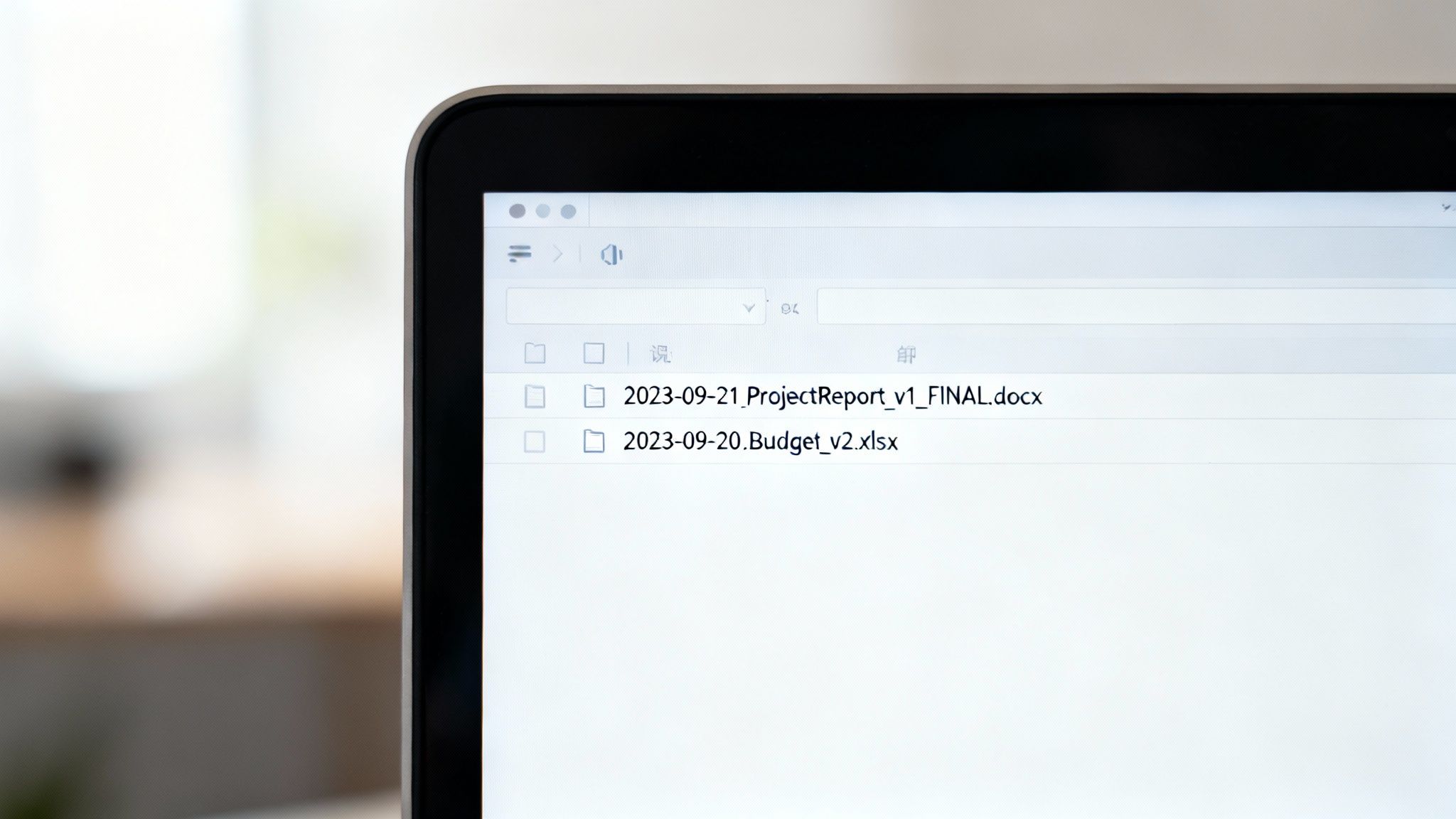
The Anatomy of a Perfect File Name
A great file name isn't complicated; it's just consistent. It contains the same elements in the same order, every single time. Here is a simple formula that works for just about anything.
Here are the key components you can mix and match:
Date (YYYY-MM-DD): Always lead with the date, and always use this format. Putting the year first is a game-changer because it forces your files to sort chronologically by default.
2024-07-21will always appear after2023-12-31, no matter what the rest of the name is.Descriptive Name: This is the heart of your file name. Be specific but keep it brief. Instead of
Notes, tryQ3-Marketing-Strategy.Project or Client ID: If a file is tied to a specific project or client, add a short, consistent identifier. This could be a client name like
ACMEor a project code likeProject-Phoenix.Version Number: For any file that goes through revisions, using
v01,v02, and so on is a lifesaver. It completely eliminates the confusion of finding files namedreport_final_final_thistimeforreal.docx.
Putting it all together, you get something like 2024-07-21_ACME-Q3-Report_v02.pdf. Just by looking at the name, you know the date, client, content, and version. No guesswork required.
From Confusing to Clear File Names
Theory is one thing, but seeing the transformation in action is what makes it click. This table shows the simple but powerful shift from confusing, inconsistent names to ones that bring instant clarity.
File Type | Before (Poor Naming) | After (Effective Naming) |
|---|---|---|
Work Document |
|
|
Personal Invoice |
|
|
Meeting Notes |
|
|
Photo |
|
|
Sure, the "after" examples are a bit longer, but they are infinitely more useful. You can sort them by date, search for a specific project, or grab the latest version of a document in a snap.
The best file naming convention is the one you can stick to without thinking. Keep it simple enough to remember and apply it to every single new file.
Common Pitfalls to Avoid
As you start putting this into practice, keep an eye out for a few common mistakes that can derail your efforts. Being aware of these from the start will help you build a system that lasts.
Using Special Characters: Stay away from characters like
/,\,:,*,?,",<,>, and|. They can cause errors or just won't work with certain operating systems or cloud services. Your safest bet is to stick to letters, numbers, hyphens, and underscores.Being Too Vague: A file named
Meeting.docxis practically useless a week later when it's sitting in a folder with 20 other meeting notes. The name needs to provide enough context to stand on its own.Inconsistency: This is the biggest killer of any organizational system. It only works if you do it every single time. Resist the temptation to save a file quickly with a generic name, telling yourself you'll fix it later. "Later" often never comes.
The process of naming files correctly will feel deliberate at first, but with a little practice, it becomes second nature. And when you're capturing ideas on the go, you need a tool that files them correctly from the start. For saving spoken notes with a clear, descriptive title automatically, Download Speak4Me free on iOS.
Choose the Right Tools for the Job
A perfect folder structure and naming system will only get you so far. To really make it stick, you need the right tools to back you up. The software you pick can either blend seamlessly into your workflow or become a source of friction that slowly unravels all your hard work. Think of it like building a workshop—the layout matters, but the quality of your tools determines what you can actually build.
The good news is we’re spoiled for choice with powerful options, from cloud storage giants to specialized document managers. The trick is finding a tool that aligns with how you think and work, not forcing yourself into a system that feels unnatural.
This push for better digital organization isn't just a personal productivity hack; it’s a huge industry trend. The global market for document management systems was valued at $7.16 billion and is projected to hit $24.91 billion by 2032. That growth points to a universal need for smarter, more secure ways to handle our digital lives. You can read more about these document management trends to see just how seriously businesses are taking this.
Cloud Storage: The Foundation of Your System
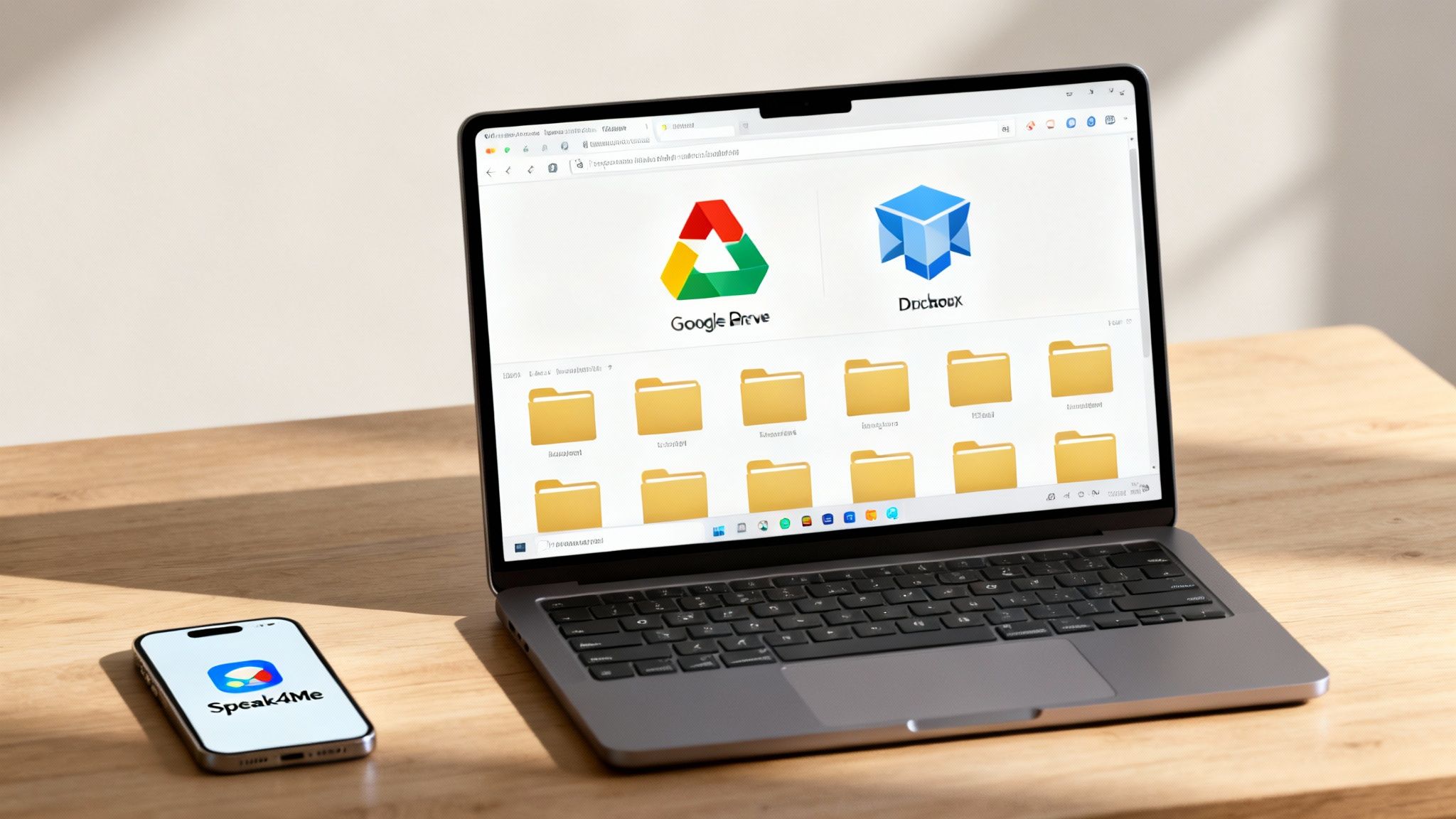
For most of us, a solid cloud storage service is the cornerstone of digital organization. Platforms like Google Drive, Dropbox, OneDrive, and iCloud give you a central hub for your files, accessible from any device, anywhere you have an internet connection.
When you’re picking a cloud service, here’s what to look at:
Storage Space: How much do you really need? Don't pay for a terabyte if you're just storing documents. Start with a free plan and only upgrade when you hit the ceiling.
Integrations: Does it play nice with the other apps you use every day? The more integrated it is, the less time you'll waste moving files around manually.
Collaboration: If you work with a team or just share vacation photos with family, check out the features for sharing, commenting, and real-time editing.
The goal here is to pick one primary service and commit to it. Spreading your files across multiple platforms is a surefire recipe for the very chaos you’re trying to escape.
Specialized Tools for Automation and Efficiency
Beyond just storing files, you can find specialized tools that automate the tedious parts of staying organized. Think of these as power tools that do one job incredibly well, making the whole process feel almost effortless.
A great tool doesn't just store your files; it helps you create, capture, and categorize them correctly from the very beginning.
This is where an app like Speak4Me can be a game-changer. Imagine you're walking out of a meeting with a dozen ideas and action items buzzing in your head. Instead of waiting until you’re back at your desk to type them out (and probably forgetting half of them), you just speak them into your phone.
Speak4Me assists by capturing your voice, transcribing it to text, and saving the note directly into the right cloud folder. You can even set it up to follow your new naming convention automatically. This small action links your daily thoughts directly to your filing system, ensuring new information is organized the moment it’s created.
Making Your Final Choice
There’s no single "best" tool that works for everyone. The ideal setup is usually a combination of a primary cloud storage provider and a few specialized apps that fill the gaps.
Here’s a simple way to decide:
Pinpoint Your Core Need: Are you looking for simple file storage, heavy-duty team collaboration, or something more advanced?
Test Drive the Free Tiers: Spend a week actually using the free versions of a few top contenders. Which one just feels right?
Map Your Workflow: Which tool makes it easiest to get files in and out? The one with the least resistance is almost always the winner.
By choosing tools that support your new habits, you’re not just tidying up your files—you're building a sustainable system for long-term clarity and focus.
To see how a specialized tool can fit into your new system, Download Speak4Me free on iOS and start organizing your thoughts effortlessly.
Keep Your System Clean for the Long Haul
Designing a slick folder structure and the perfect naming convention feels great. But let’s be real—the hard part of learning how to organize digital files isn't the setup; it's the upkeep. Without simple, repeatable habits, even the most logical system will slowly slide back into chaos.
Maintenance isn’t about blocking off a whole Saturday for a massive cleanup. It's about weaving small, consistent actions into your daily and weekly flow so clutter never gets a chance to build up. This is how you turn a one-time project into a genuine, long-term asset.
This discipline is more important than ever. A recent analysis found a staggering 47% of workers think their company's digital filing systems are confusing. To make matters worse, 48% say they struggle to find the files they need. This isn't just a minor annoyance; it's a huge productivity killer. If you want to dive deeper into these challenges, you can discover more insights about document management trends on nectain.com.
Adopt the Touch It Once Principle
If you want to build one powerful habit, make it the "touch it once" principle. The idea is simple: whenever a new file lands in your digital space—a download, a scanned receipt, an email attachment—deal with it right then and there.
Instead of letting it pile up on your desktop or in a downloads folder "for later," take a quick moment to:
Rename it following your own rules.
File it away in the right folder.
Delete it if you know you won't actually need it.
This single habit is the digital equivalent of putting your keys on the hook when you walk in the door. It might feel like an extra 30 seconds at the time, but it saves you from hours of sorting through a digital junk drawer later.
The goal of digital maintenance is to make staying organized easier than letting things get messy. Small, consistent actions are the key.
A great place to apply this is with voice notes. When you capture a quick idea or a meeting recap, don't just let the audio file sit there. Using a tool like Speak4Me that helps file it correctly from the start makes all the difference.
Schedule Regular System Reviews
Think of your digital filing system like a garden—it needs occasional weeding to thrive. Setting aside a recurring time for maintenance is non-negotiable. It doesn't have to be a huge time commitment; even 15-20 minutes every Friday afternoon can work wonders.
During your scheduled cleanup, focus on these quick wins:
Empty Your Inboxes: Clear out your main "inbox" or "_ToSort" folder. Apply the "touch it once" rule to everything that’s landed there during the week.
Archive Completed Projects: Move folders for finished projects into your
Archivedirectory. This keeps your active workspace clean and focused only on what's current.Delete Duplicates and Old Versions: Do a quick search for duplicate files or old drafts that are no longer needed. Be ruthless—if you don't need it, get rid of it.
This regular check-in keeps your system relevant and prevents it from becoming bloated and outdated.
Implement a Rock-Solid Backup Strategy
A clean system is worthless if it disappears. Data loss is a real risk, whether it comes from a hard drive failure, an accidental deletion, or a security issue. A reliable backup plan isn't just a nice-to-have; it's absolutely essential.
The gold standard here is the 3-2-1 rule. It’s a simple but incredibly effective framework for protecting your important files.
3 Copies: Keep at least three copies of your data in total—the original file plus two backups.
2 Different Media: Store those copies on at least two different types of storage, like your computer's internal drive and an external hard drive.
1 Off-Site Location: Make sure at least one copy is stored off-site. This is where cloud storage really shines, protecting you from local disasters like fire, flood, or theft.
The best way to make sure this happens is to automate it. Most cloud services and backup software can be set to run quietly in the background, so you can set it and forget it.
Keeping your system in order is an ongoing process, but it shouldn't feel like a chore. By building these simple habits, you’ll ensure your digital workspace remains a powerful ally for your productivity. To start building better digital habits today, Download Speak4Me free on iOS and see how easy it is to capture and file ideas on the go.
Your Path to a Clutter-Free Digital Life
We've walked through the a-to-z of taming your digital chaos, from mapping out a logical folder system to sticking with a naming convention that actually makes sense. Learning how to organize digital files isn't some impossible task—it’s a skill that pays you back every single day in saved time and lower stress levels.
Putting these ideas into practice is what turns a messy digital workspace into your most powerful asset. Don't feel like you have to do it all at once. Just start small, stay consistent, and tweak the system so it fits your workflow, not the other way around.
Start Building Better Habits
Getting organized isn't a one-and-done project; it’s about building good habits. This means setting aside a little time to review your files, move old projects into an archive, and—most importantly—apply your naming rules to every single new file you create. No exceptions.
This kind of sustained effort is the foundation of what’s known as digital literacy. It's a critical skill for getting things done efficiently, both at work and in your personal life. If you're curious, you can dive deeper into what digital literacy is and why it matters in our detailed guide.
The best system is the one you actually stick with. A simple, consistent approach will always beat a complicated one you give up on after a week.
If you’re looking for a few more quick wins, check out these easy tips for organizing computer files that are perfect for creative pros.
The whole point is to build a workflow that feels second nature. Integrating a tool that helps you capture and file your ideas without friction is a great next step.
Download Speak4Me free on iOS to get started.
Frequently Asked Questions
Even the best-laid plans run into questions. When you're overhauling how you organize your digital files, a few common hurdles always seem to come up. Let's tackle them so you can keep moving forward.
What Is the Best Way to Start if My Files Are a Complete Mess?
It's completely normal to feel overwhelmed when you're staring down years of digital chaos. The best way to start is to stop trying to organize everything at once and instead, create a single "triage" folder.
Seriously, just create one new folder on your desktop. A good name is _ToSort because the underscore bumps it right to the top of any file list. Then, drag everything—all the loose files on your desktop, in your downloads folder, and scattered across your documents—into this one spot.
This simple move gives you a clean slate to build your new folder structure without the constant distraction of the old mess. From there, just chip away at it. Spend 20-30 minutes a day pulling files out of the _ToSort folder, renaming them, and filing them in their new, permanent homes. It’s way less daunting this way.
How Often Should I Back Up My Digital Files?
The right backup schedule really comes down to how often your files change. If you’re working on crucial documents every day, you need an automated, daily backup. For personal things like photos that you might only add once a week, a weekly backup is probably fine.
A solid rule of thumb is the 3-2-1 backup strategy:
Keep at least 3 total copies of your data.
Store those copies on 2 different types of media (like your computer's hard drive and an external drive).
Make sure at least 1 copy is off-site (cloud storage is perfect for this).
Set up an automated cloud backup service. It's the easiest way to protect your files without having to remember to do it yourself.
Should I Organize Files by Date or by Category?
This is a classic debate. The honest answer is that it depends entirely on how your brain works and how you naturally search for things. Neither way is "better," but one will feel a lot more intuitive to you.
If your work is centered around clients or projects, organizing by category (e.g., Client > Project) almost always makes the most sense. On the other hand, if you're dealing with files that are naturally chronological, like family photos or journal entries, organizing by date (Photos > 2024 > 07-July) is the way to go.
Here’s a pro tip: many people use a hybrid system. We create category-based folders but then use a date-based naming convention for the files inside, like
2024-07-21_ClientA-Invoice.pdf. This gives you the best of both worlds—logical groupings and easy chronological sorting.
The goal is to choose the system that requires the least amount of mental energy for you to maintain.
Ready to capture and organize your thoughts, notes, and ideas effortlessly? Speak4Me fits perfectly into any new filing system, helping you create and save content on the go. Download Speak4Me free on iOS and take the first step toward a more organized digital life.
Try Speak4Me for Free
