Your Guide on How to Read Ebooks Easily
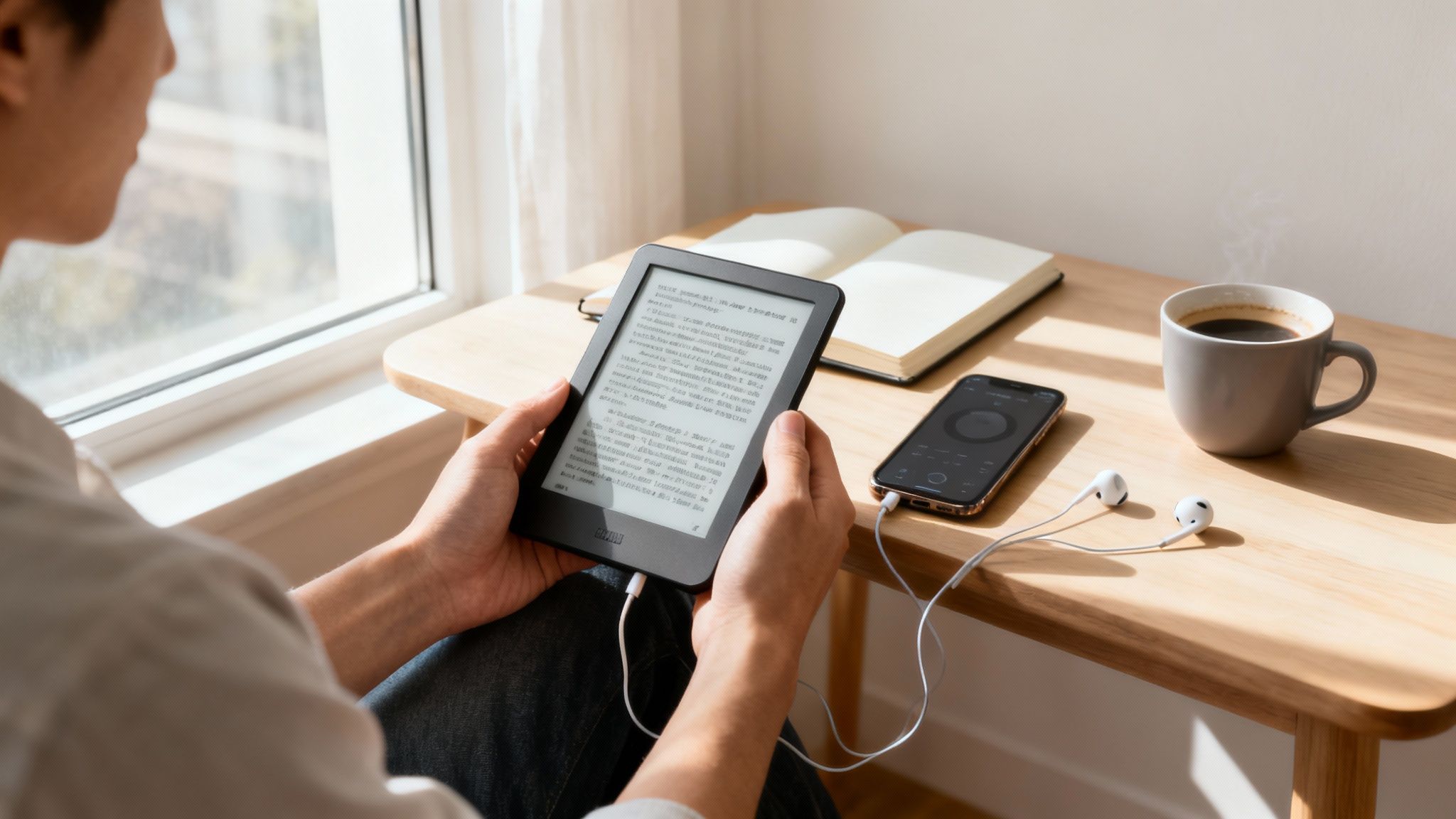
Ready to jump into ebooks? It’s easier than you might think. All you really need is a device you're comfortable with—like your phone or an e-reader—and a digital book file. The trick is picking the right device for your lifestyle and knowing where to get your books, whether that's buying them from a store or borrowing them for free from your local library.
Getting Started with Your First Ebook
The best part about digital reading is the sheer convenience of carrying a whole library in your pocket. So, where do you start? The first real step is figuring out how you want to read. You don’t need to rush out and buy expensive new gear; the best device is usually the one you already have.
The ebook market is exploding, and it’s not hard to see why. Valued at around USD 21.95 billion in 2025, it's projected to hit USD 27.71 billion by 2030, mostly because we all have smartphones and tablets right at our fingertips. This growth is all about making it easy to read on the go, a trend you can be a part of right now. You can discover more insights about the global ebook market to see just how popular it's become.
Choosing the Right Device for You
The device you choose will completely shape your reading experience. A dedicated e-reader, for instance, gives you that paper-like screen that's super easy on the eyes for hours of reading. On the other hand, your smartphone offers unbeatable convenience for sneaking in a few pages whenever you have a spare moment.
To make the choice a bit clearer, think about what matters most to you: portability or eye comfort?
As you can see, if you plan on diving into books for long stretches and want to avoid eye strain, an e-reader is your best bet. But if you value convenience and being able to switch from reading to other tasks in a flash, your phone is the perfect tool for the job.
Let's break down the common choices to help you find the perfect fit.
Choosing Your Ideal Ebook Reading Device
Device Type | Best For | Key Advantage | Potential Downside |
|---|---|---|---|
Dedicated E-reader | Long reading sessions and outdoor reading. | E-ink screens are glare-free and easy on the eyes, with extremely long battery life. | Limited functionality beyond reading; can be an extra device to carry. |
Smartphone | Quick reads on the go, convenience. | You already have it! Perfect for reading on a commute or in a waiting room. | Smaller screen size and backlit display can cause eye strain; notifications can be distracting. |
Tablet | Reading full-color content like comics, magazines, and textbooks. | Versatile for media, work, and reading; larger screen than a phone. | Heavier and bulkier than e-readers; backlit display can be tiring on the eyes. |
Computer/Laptop | Academic reading, research, and referencing technical books. | Large screen is great for multitasking and taking notes alongside the text. | Not very portable or comfortable for casual, lean-back reading. |
Ultimately, the "best" device is the one that seamlessly fits into your daily routine. Don't overthink it at the start—just pick one and begin.
The most effective way to start reading ebooks is to begin with the technology you already have. Your phone or tablet is a powerful, portable library waiting to be filled. There’s no need to invest in new gear until you know what features matter most to you.
No matter which device you land on, you can always make your reading more flexible. There are times when your eyes are tired, or you want to "read" while doing chores. An app that reads your ebooks out loud can assist. For an excellent text-to-speech experience that supports you, Download Speak4Me free on iOS. This gives you the convenience of ebooks with the hands-free ease of audiobooks, letting you fit more reading into your day.
Understanding Ebook Formats and Finding Books
Alright, so you’ve got your device set up and you're ready to dive in. The next step is the best part: building your digital library. But before you go on a downloading spree, it’s helpful to get a quick handle on the different file types you’ll run into. It's a bit like knowing the difference between an MP3 and a WAV file for music—some just work better on certain players.
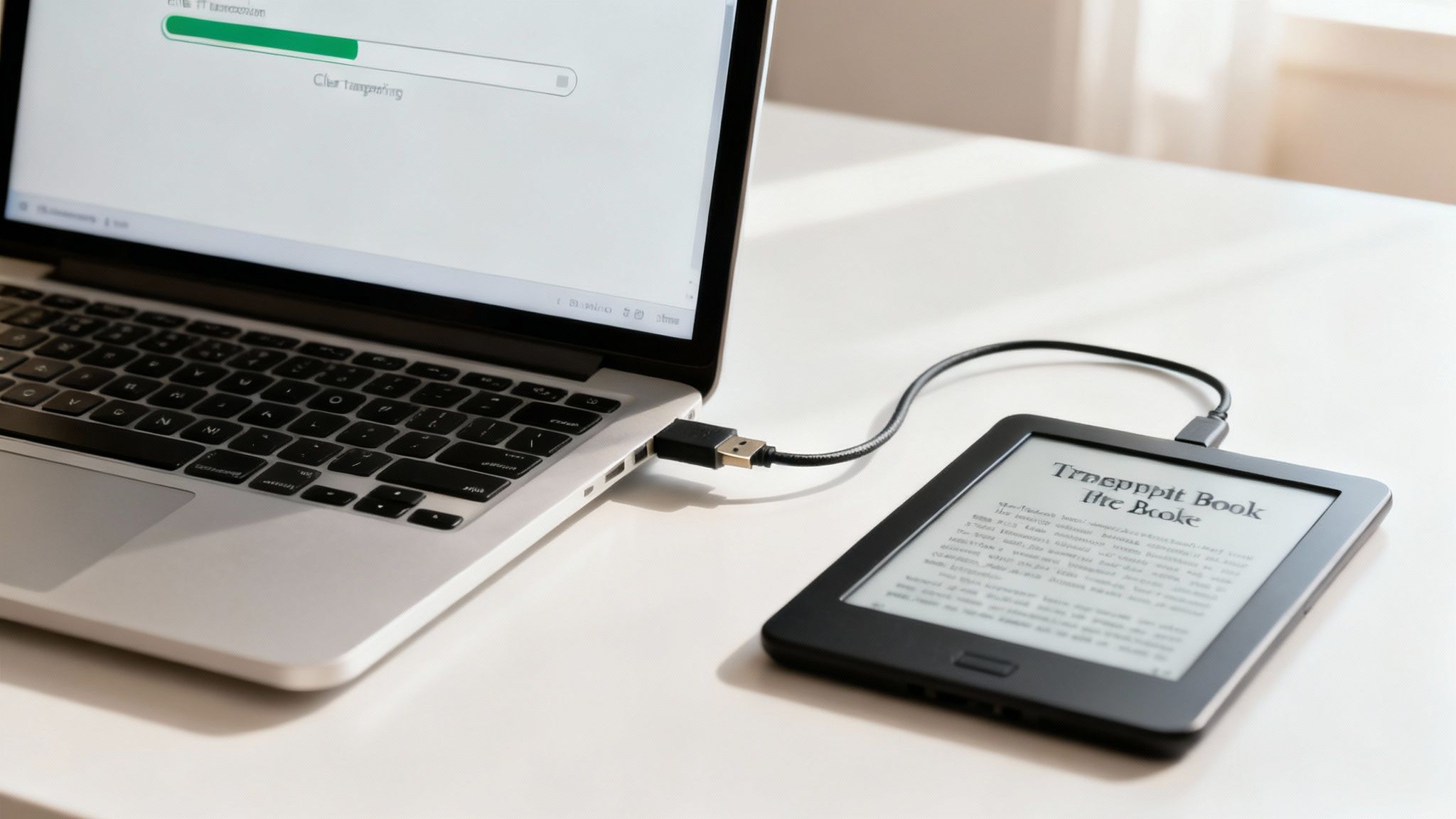
Don't worry, this is way simpler than it sounds. You’ll really only encounter a few common formats, and knowing which one your device likes will save you a ton of headaches down the road.
Decoding Common Ebook File Types
Getting familiar with the main formats means you'll always download a book you can actually open. Each has its pros and cons, but what matters most is whether your device can read it.
EPUB (.epub): Think of this as the universal standard for ebooks. Just about every e-reader, tablet, and smartphone app can open EPUB files—with the notable exception of Amazon's Kindle devices. Its best feature is "reflowable text," which means the words and sentences automatically adjust to fit your screen perfectly, no matter the size. It's built for a comfortable reading experience.
MOBI (.mobi) and AZW3 (.azw3): These are Amazon's own formats, created specifically for the Kindle ecosystem. When you buy a book from the Kindle store, you're getting one of these. They work flawlessly on Kindle e-readers and inside the Kindle app, but you'll have a tough time opening them anywhere else.
PDF (.pdf): You'll see PDFs everywhere, but they aren't true ebooks. A PDF has a fixed layout, which means the page looks the same no matter what device you're on. This is great for things with complex designs, like textbooks or technical manuals, but can lead to a lot of pinching and zooming on a small phone screen.
The bottom line? If you're not using a Kindle, EPUB is almost always your best bet. If you are a Kindle user, Amazon handles everything for you automatically.
Where to Find Your Next Great Read
Now for the fun part: finding something to read. From giant online stores to incredible free resources, you can build an amazing library without breaking the bank.
The real magic of digital reading is having instant access to millions of books. You can hear about a new author, find their book, and be reading it in less than a minute—all from your couch.
Here are a few of my favorite places to look:
Online Retailers: The big players are the Amazon Kindle Store, Apple Books, and Kobo. They have massive collections of pretty much everything, from the latest bestsellers to self-published gems. The user reviews are also a huge help in deciding what to read next.
Your Local Library: This is my personal favorite and an absolute game-changer. With apps like Libby or OverDrive, you can connect your library card and borrow ebooks and audiobooks for free. The selection is fantastic, and you can place holds on popular books just like you would at the physical library.
Free Ebook Archives: For the classics, you can't beat websites like Project Gutenberg. They have thousands of books where the copyright has expired, making them completely free and legal to download in multiple formats.
Whether you're borrowing a new thriller or downloading a classic novel, your next read is never more than a few clicks away. And if your eyes get tired or you just want to listen while you do other things, you can turn any of these books into an audiobook by importing the text into an app like Speak4Me that reads it aloud.
This kind of flexibility is what makes digital reading so powerful. If you want to see for yourself, Download Speak4Me free on iOS and start listening to any document or ebook on your own terms.
Getting Ebooks Onto Your Device
Alright, you've got your device set up and a new ebook file ready to go. Now for the fun part: getting that book onto your screen. Moving an ebook file to your reader, phone, or tablet is usually a piece of cake.
The exact method depends on your gear and where you got the book, but the end goal is always the same—get the file where your reading app can see it.
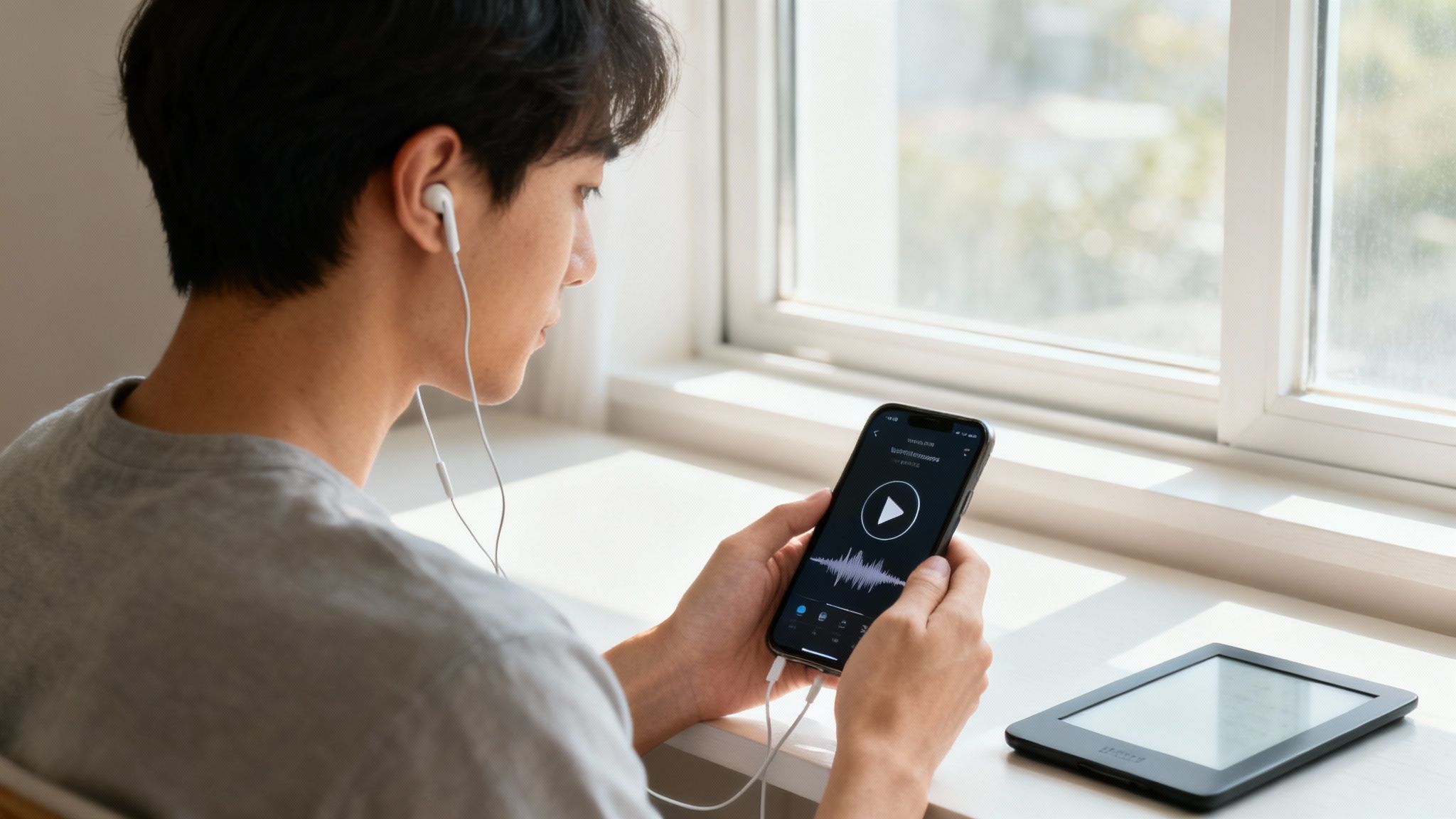
Whether you prefer a wireless transfer or an old-school cable, you can be settled in and reading in just a few minutes. Let’s look at the most common ways to load up your digital library.
Going Wireless with Cloud Syncing
Honestly, the easiest way to load new books is to skip the cables altogether. Most modern e-reading setups are built around cloud syncing, which makes the whole process feel practically automatic.
Here are a couple of my favorite wireless methods:
Email-to-Device: Amazon's "Send to Kindle" service is a classic for a reason. Every Kindle gets its own unique email address. Just attach a compatible file (like a MOBI or PDF) to an email, send it off, and it pops up in your library. It’s that simple.
Cloud Storage: Many reading apps, like Apple Books and Google Play Books, play nicely with cloud services. I often drop EPUB files into my Google Drive or iCloud. From there, I can open them right inside the reading app on my phone or tablet.
This wireless approach is a lifesaver for books you get from outside the major stores, like free classics from Project Gutenberg or work documents you need to review.
The Old-Fashioned Way: Direct Downloads and Cable Transfers
Sometimes, a direct connection is just better, especially if you're dealing with big files or have spotty Wi-Fi. This is where a direct download or a trusty USB cable shines.
If you download an EPUB file straight to your phone, the OS usually knows what to do. On an iPhone, for example, tapping the downloaded file brings up an option to "Copy to Books," which zips it right into your library.
Pro Tip: If you're managing a massive collection or a jumble of different file formats, nothing beats plugging your e-reader directly into your computer. A physical USB connection is fast, reliable, and lets you transfer books in bulk without needing an internet connection.
It's usually just a simple drag-and-drop. Once you connect the device, it shows up like a flash drive. Just find the "Documents" or "Books" folder and copy your files over.
One quick note on PDFs: their fixed layout can be a pain to read on smaller screens. For a much better experience, check out our guide on how to read PDFs on any device.
No matter which method you choose, it should be a quick and painless process. And once that book is loaded up, you have even more ways to enjoy it. If you'd rather listen, you can make any text speakable. Download Speak4Me free on iOS to turn your ebooks and documents into audio—perfect for catching up on your reading list during a commute or workout.
Turn Any Ebook into an Audiobook
What if your reading time wasn't limited to when you could actually sit down with a book? Imagine catching up on your favorite novel during your commute, while cooking dinner, or even at the gym. With text-to-speech (TTS) technology, this isn't a fantasy—it's incredibly simple. You can transform pretty much any digital text into your own personal audiobook.
This kind of tech can assist you, especially for multitaskers or anyone who just finds listening easier than reading. An app like Speak4Me takes the text from your ebooks and reads it aloud in a clear, natural-sounding voice. It helps turn your phone into an on-demand audiobook player.
Why Listen to Your Ebooks
Listening to books gives you a completely different way to absorb the material. It can actually help with comprehension by firing up different learning pathways in your brain. Plus, it lets you squeeze more "reading" into a packed schedule, which is a huge win for most of us.
This flexibility is a big reason why digital formats are becoming so popular. The global ebook market is proof of this shift, projected to pull in USD 14.9 billion by 2025. That number shows just how much we've come to rely on digital formats for sheer convenience. If you're curious, you can learn more about these ebook statistics and see the full picture.
When you convert text to audio, you're not just saving time. You're giving yourself a new way to connect with the material. It's all about making your library work for you, no matter where you are or what you're doing.
Making It Happen with TTS
So, how do you actually get this to work? The whole process is refreshingly straightforward once you have the right tool. One of the best ways to get started is to learn how to generate audio from text using a dedicated app.
The Speak4Me app was built to help with this very task. You can import all sorts of documents, including most ebook formats, right into the app.
Import Your File: Just open your ebook file from cloud storage—think Google Drive or iCloud—or find it in your device's downloads folder.
Press Play: The app scans the text and starts reading it back to you almost instantly. It's that fast.
Customize Your Experience: You're in control. You can tweak the reading speed, pick from different voices, and pause or skip around just like you would with any media player.
This method works wonders for more than just novels. For instance, if you have a stack of articles or reports you need to get through, you might find our guide on how to convert PDF files into audio really helpful.
Ready to give your eyes a rest and start listening to your books? Download Speak4Me free on iOS to unlock a more versatile and accessible way to enjoy your entire digital library.
Making Your Digital Reading Space Your Own
One of the best things about reading on a screen is that you're in complete control. A printed book is what it is—the font, the margins, the paper color are all set in stone. But an eBook is like a piece of clay you can mold to fit your exact needs, making the whole experience so much more comfortable.
These little tweaks aren't just for show; they can genuinely make a difference in how long you can read without your eyes getting tired. Taking a minute to dive into your app's settings can turn a good reading session into a great one, especially when you're settling in for a long story.
Dialing in Your Visual Comfort
Most reading apps come packed with display options. My advice? Play around with them. Don't just stick with the defaults. Find what truly works for you.
Fonts and Sizes: Find yourself squinting at the screen? The first thing to do is bump up the font size. Even a small increase can be a game-changer. You can also experiment with different font styles. Many readers find that serif fonts (like Georgia) are easier on the eyes for long stretches, while sans-serif fonts (like Helvetica) have a crisp, clean feel.
Give Dark Mode a Try: We've all done it—reading on a bright screen in a pitch-black room. It can be pretty harsh on the eyes. Dark mode, which flips the colors to white text on a black background, is a lifesaver for nighttime reading.
Don't Forget Spacing: This is one setting people often ignore, but it's incredibly important. Adjusting the line spacing and margins can keep the page from looking like a dense wall of text. It gives your eyes a clearer path to follow, making the reading flow feel more natural.
Think of these settings as your personal reading toolkit. The real goal is to make the screen fade away so you can get lost in the book without any discomfort or distraction.
Interacting With Your Books in a New Way
Customizing your reading experience goes way beyond just how the page looks. Digital formats open up a whole new way to engage with the material that you just can't get with a physical book.
You can highlight key passages without pulling out a marker, drop digital bookmarks on pages you want to revisit, and type notes right into the margins. Better yet, all these annotations are saved and synced, so you have a searchable log of your thoughts and favorite parts of the book across all your devices.
This turns reading from a passive activity into an active conversation with the author's words. When you add audio to the mix, it gets even better. Listening with an app like Speak4Me, for instance, lets you pick a voice that you actually enjoy listening to. Our guide walks you through how to change voices to find the perfect fit.
Ready to create a reading experience that's truly yours? Download Speak4Me free on iOS and start customizing how you listen and connect with your books.
Keeping Your Growing Digital Library in Check
When you first dip your toes into the world of eBooks, your digital library is a picture of order. A few books, neatly arranged. Fast forward a few months of one-click purchases, library borrows, and tempting freebies, and that pristine shelf can look more like a digital junk drawer.
Keeping things tidy isn't just about aesthetics; it’s about making it easy to find what you want to read next. A little organization turns a frustrating scroll-fest into a pleasant browse through your personal collection.
Thankfully, most e-reading apps come with built-in tools to help you bring some order to the chaos. Look for features called "collections" or "shelves." Think of these as your virtual bookshelves. You can create a shelf for "Favorite Sci-Fi," a collection for "Books to Read in 2024," or even a simple "Read" and "Unread" pile. It's your library; set it up your way.
Taming the Digital Shelves
Getting into the habit of creating collections is a game-changer. I usually recommend starting with a few simple categories to get the ball rolling.
By Genre: This is the classic approach. Group your thrillers, historical fiction, or business books together.
By Author: If you're working your way through an author's entire backlist, give them their own dedicated space.
By Status: This is my personal favorite and the system I swear by. I have active shelves for "To-Be-Read," "Currently Reading," and "Finished." It's incredibly satisfying to move a book to that "Finished" list.
If your library is massive and spans multiple devices and formats, you might need something with a bit more muscle. For that, I always point people to Calibre. It's a free and incredibly powerful piece of software for your computer that acts as a central hub for your entire library, letting you manage everything from metadata to file formats.
Here’s a little tip from my own experience: Set aside just ten minutes at the end of each month to file away your new books. That small investment of time will save you from so much scrolling and searching down the road.
This shift to digital reading isn't just a niche trend; it's a massive global movement. The eBook market was valued at USD 18.02 billion in 2025 and is projected to hit nearly USD 22.76 billion by 2030. This growth is being fueled by people reading on their phones and the popularity of subscription services. If you're curious, you can read more about ebook market trends and see the data for yourself.
And remember, even after you’ve sorted your library, your books are ready for more than just reading. You can listen to any of them. Download Speak4Me free on iOS and turn any title from your meticulously organized shelves into an audiobook. It's perfect for when your hands are busy but your mind is ready for a story.
Common Questions About Reading Ebooks
As you dive into the world of digital books, you're bound to have a few questions. It happens to everyone. Let's tackle some of the most common ones people ask when they're first learning how to read ebooks.
Your Books, Everywhere You Go
One of the first things people wonder is, "Can I read the same ebook on multiple devices?"
Yes, you absolutely can! It's one of the best parts of digital reading. Platforms like Kindle and Apple Books are built specifically for this. They sync your reading progress across all your devices, so you can read a few chapters on your tablet at home, then pick up right where you left off on your phone while waiting in line for coffee.
For those long reading sessions on an Android phone or tablet, learning how to master Android's power saving mode can be a real game-changer, helping your battery last much longer.
Another frequent worry is, "What happens if I lose my e-reader?"
Don't panic—your library is safe. Your books aren't stored just on the device itself; they're tied to your online account. If your e-reader is lost or breaks, you just need to log into your account on a new device, and your entire collection will be there waiting for you to download again.
The real beauty of a digital library is its flexibility. Your books are tied to your account, not a single piece of hardware, giving you the freedom to read whenever and wherever you choose.
We've put together a few more common questions to help you feel confident as you build your digital library.
FAQ
question | answer |
|---|---|
Can I read the same ebook on multiple devices? | Yes, most major ebook platforms like Kindle, Apple Books, and Kobo sync your progress across devices. You can start reading on your tablet and pick up right where you left off on your phone. |
Do I own the ebooks I buy? | Typically, when you buy an ebook, you are purchasing a license to read it, not the file itself. This license is tied to your account and is governed by the seller's terms, which can include restrictions on sharing. |
What happens to my books if I lose my e-reader? | Your book library is safe! Since your purchases are tied to your online account (e.g., your Amazon or Kobo account), you can simply log into your account on a new device to re-download all of your purchased books. |
Hopefully, these answers clear things up and get you excited to start reading.
Ready to make your reading even more flexible? With Speak4Me, you can listen to any of your ebooks, articles, or documents. It helps you enjoy your books hands-free.
Download Speak4Me free on iOS and transform your reading experience today.
Try Speak4Me for Free
