How to Read Text Aloud Online with Ease
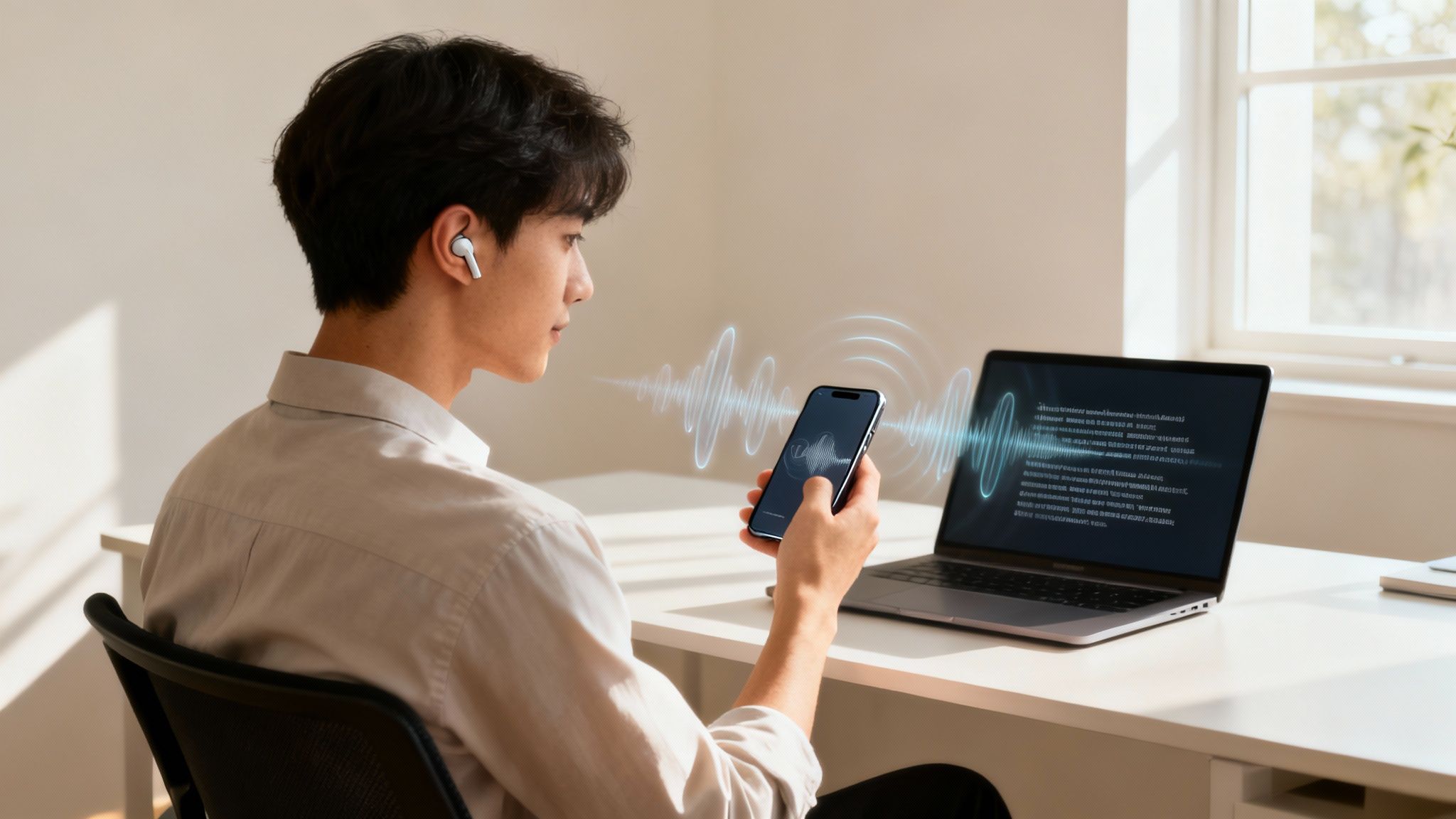
If you've ever wished you could "read" an article while driving or catch up on emails during your morning run, you're not alone. The idea of having text read aloud online isn't just a neat trick anymore—it's a practical way to manage information overload. Using a text-to-speech (TTS) app like Speak4Me, you can turn just about any written content into spoken audio.
This simple shift from reading to listening can be a game-changer for multitasking, cutting down on screen time, or even just making dense material easier to digest. Ready to transform your reading list into a playlist? Download Speak4Me free on iOS to get started.
Why Listening to Content Is the New Reading
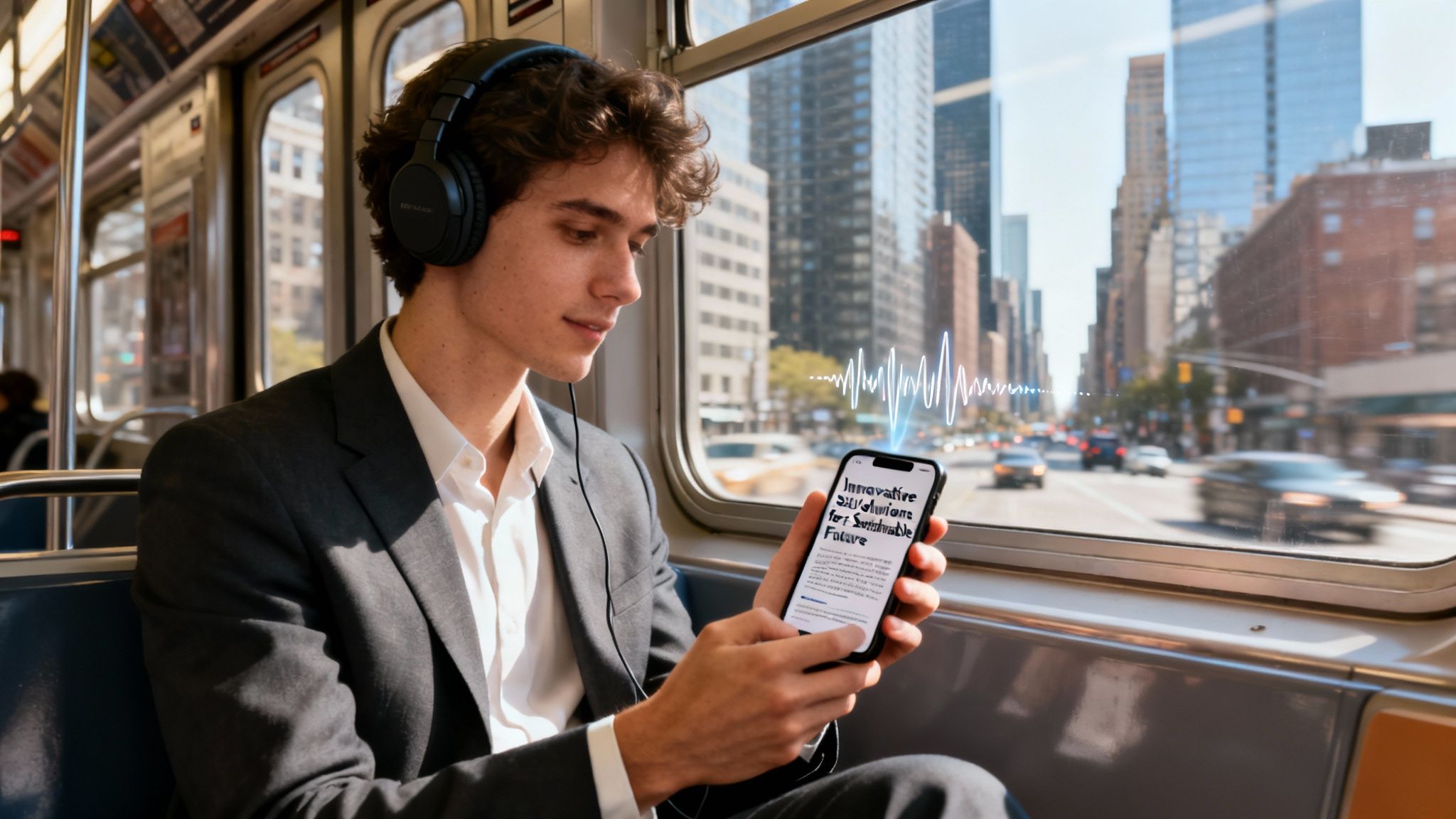
More and more, people are opting to listen to articles, reports, and web pages instead of reading them on a screen. It's not just about convenience; it’s about making information fit into our busy lives and making it more accessible for everyone.
This trend is backed by some serious tech advancements. The global text-to-speech market, valued at around USD 4.0 billion, is expected to nearly double to USD 7.6 billion by 2029. This boom is driven by AI that creates incredibly natural-sounding voices and the fact that we all carry powerful smart devices in our pockets. You can see the full market breakdown on marketsandmarkets.com.
Unlocking Productivity and Accessibility
Think about it: whether you’re trying to get through a stack of reports during your commute or looking for a more effective way to study, text-to-speech is a brilliant solution. It turns static words on a page into audio that you can listen to anytime, anywhere.
This auditory approach helps in so many ways:
Multitasking Made Easy: Finally catch up on those long articles or reports while you’re at the gym, walking the dog, or tidying up the house.
Less Eye Strain: After a full day staring at screens for work or school, giving your eyes a break is a huge relief.
Better Understanding: Listening while you read can actually boost focus and help you retain complex information more effectively. We dive deeper into the benefits of reading books aloud with text-to-speech in another guide.
Supports Learning: For anyone with different learning styles or reading difficulties, having an audio option makes written content instantly more accessible.
To get a clearer picture, here’s a quick look at how an online audio reader can fit into common daily activities.
When to Use a Text-to-Speech App
Benefit | How It Helps You | Perfect For |
|---|---|---|
Reclaim "Dead" Time | Turns commutes or chores into productive learning sessions. | Listening to work reports while driving or articles while cooking dinner. |
Reduce Screen Fatigue | Lets you absorb information without staring at a bright screen. | Catching up on newsletters or research papers before bed. |
Improve Focus | Combines auditory and visual learning to deepen comprehension. | Studying dense academic texts or reviewing complex contracts. |
Make Content Accessible | Provides an audio alternative that supports those with visual impairments or dyslexia. | Reading emails, online news, or social media updates. |
These are just a few examples. Once you start using a TTS tool like Speak4Me, you’ll find all sorts of ways to integrate it into your routine.
By turning reading into a listening activity, you open up new pockets of time in your day. A 30-minute drive becomes an opportunity to finish a chapter, and a walk becomes a study session.
Ready to give it a try? You can be up and running in just a few minutes. Download Speak4Me free on iOS to get started and turn any text into audio today.
Your First Steps to Instant Audio
Jumping into an online text reader is way easier than you might think. Forget complicated setups; the best tools turn any written content into audio with just a few quick taps. The real magic is in how effortlessly you can get your content ready to play.
You don't have to waste time typing everything out. With an app like Speak4Me, you can pull in text using a few different methods that fit right into your daily routine.
How to Import Your Content
Think about how you usually read. Maybe you stumble upon a great article while browsing on your phone, get a PDF report emailed from work, or have a document saved to your files. A great text-to-speech tool should meet you right where you are, making the whole process feel completely natural.
Here are a few of the most common ways to get started with Speak4Me:
From Your Browser: Found an article you want to listen to later? Instead of the old copy-and-paste routine, just hit the "Share" button in your mobile browser. Choose Speak4Me from the list, and the app instantly grabs the text and preps it for playback.
From Your Clipboard: If you have text copied from an email, a message, or even your notes app, you can paste it straight into Speak4Me. It's a classic for a reason—it’s fast and works for pretty much anything.
From Your Files: Got PDFs, Word documents, or other text files saved on your device? You can import them directly from your phone's storage or a connected cloud service like Google Drive or Dropbox.
This visual breaks down just how simple these pathways are.
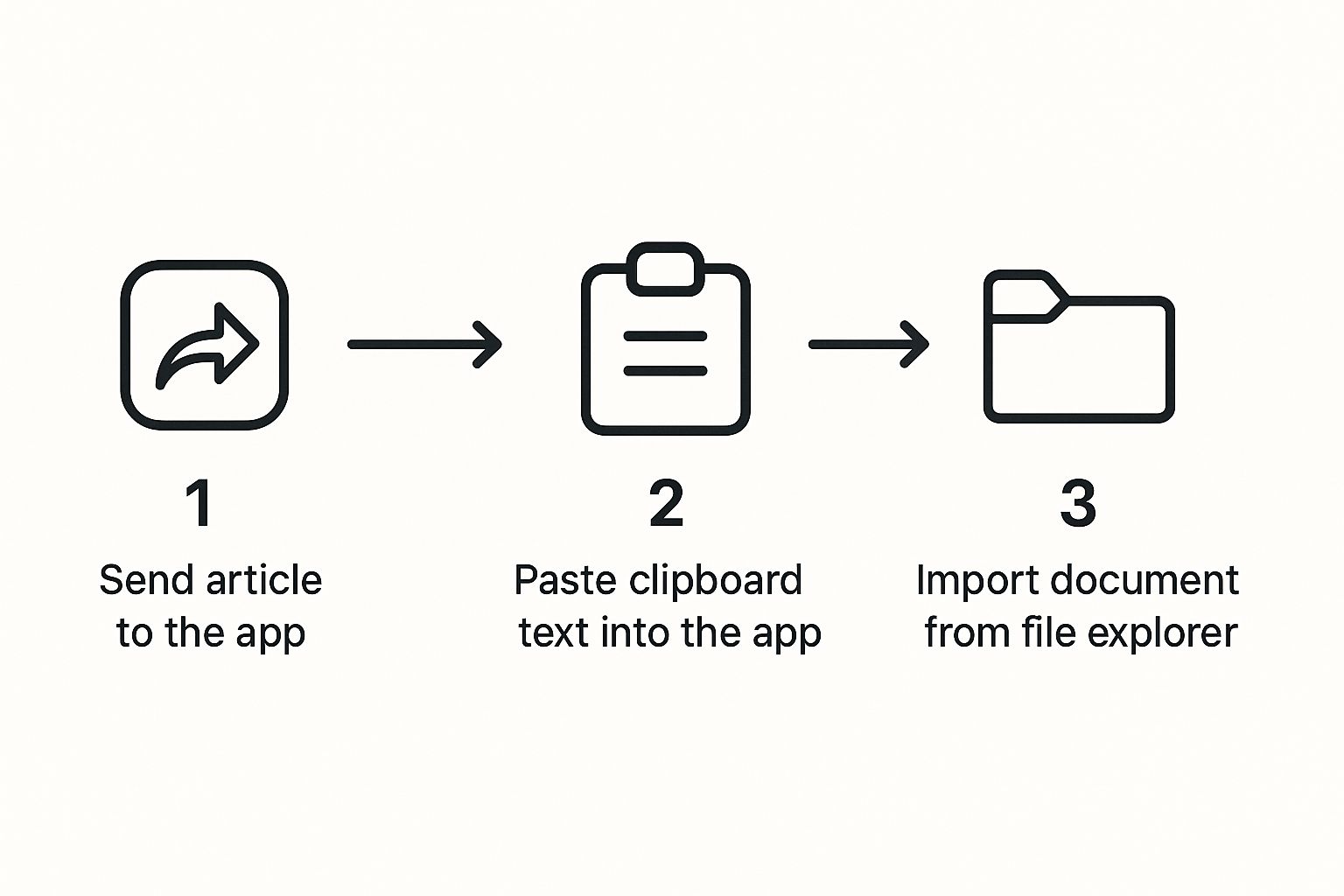
As you can see, the idea is to fit into your existing workflow, whether you're browsing the web or digging through documents. If you want to see this in action, take a look at our guide on how to convert text to audio for free.
For a seamless and modern approach to converting text into speech, consider leveraging AI-powered text-to-speech services like LunaBloom AI to get started.
Ultimately, the goal is to go from text to audio in seconds, not minutes. This kind of speed makes listening less of a novelty and more of a practical, everyday tool for learning and productivity.
Tailoring the Audio to Your Preference
A good listening experience is all about personal preference. Once your text is loaded up in Speak4Me, it’s time to dial in the settings to make it sound just right. This is where you go beyond the basic play/pause and really start to customize the audio.
Getting the voice and speed right can make a huge difference in your focus and how long you can listen comfortably. The right combo can turn a dry document into something you can actually absorb without getting tired.
Finding the Perfect Voice
We all have a certain type of voice we find easiest to listen to. Some people prefer a higher pitch, while others find a lower, deeper tone more calming. With Speak4Me, you get a whole library of voices to try out, so you can find the one that just clicks.
This isn't just about what sounds nice—it's about comprehension. It's no surprise that neutral voices without strong regional accents make up 74% of the text-to-speech industry. Clarity is king. While English is still the most common language at over 48% of the market, the demand for other languages is growing fast, especially with more people working and learning from home. You can dig into the full text-to-speech market analysis over at market.us.
If you want a deeper dive, we have a whole guide on how to change voices within the app.
Adjusting the Reading Speed
The best listening speed really depends on what you're doing. Are you quickly skimming meeting notes, or are you trying to absorb a complex chapter from a textbook? Adjusting the playback speed lets you set the perfect pace for the task at hand.
For a quick review: Crank up the speed to breeze through material you're already familiar with.
For deep learning: Slow it down. This gives your brain the time it needs to process dense or new information.
For proofreading: A steady, moderate pace is perfect for catching those little mistakes your eyes might have skipped over.
Making these tweaks is super simple in Speak4Me. The interface is designed to be intuitive, so you can make changes on the fly.
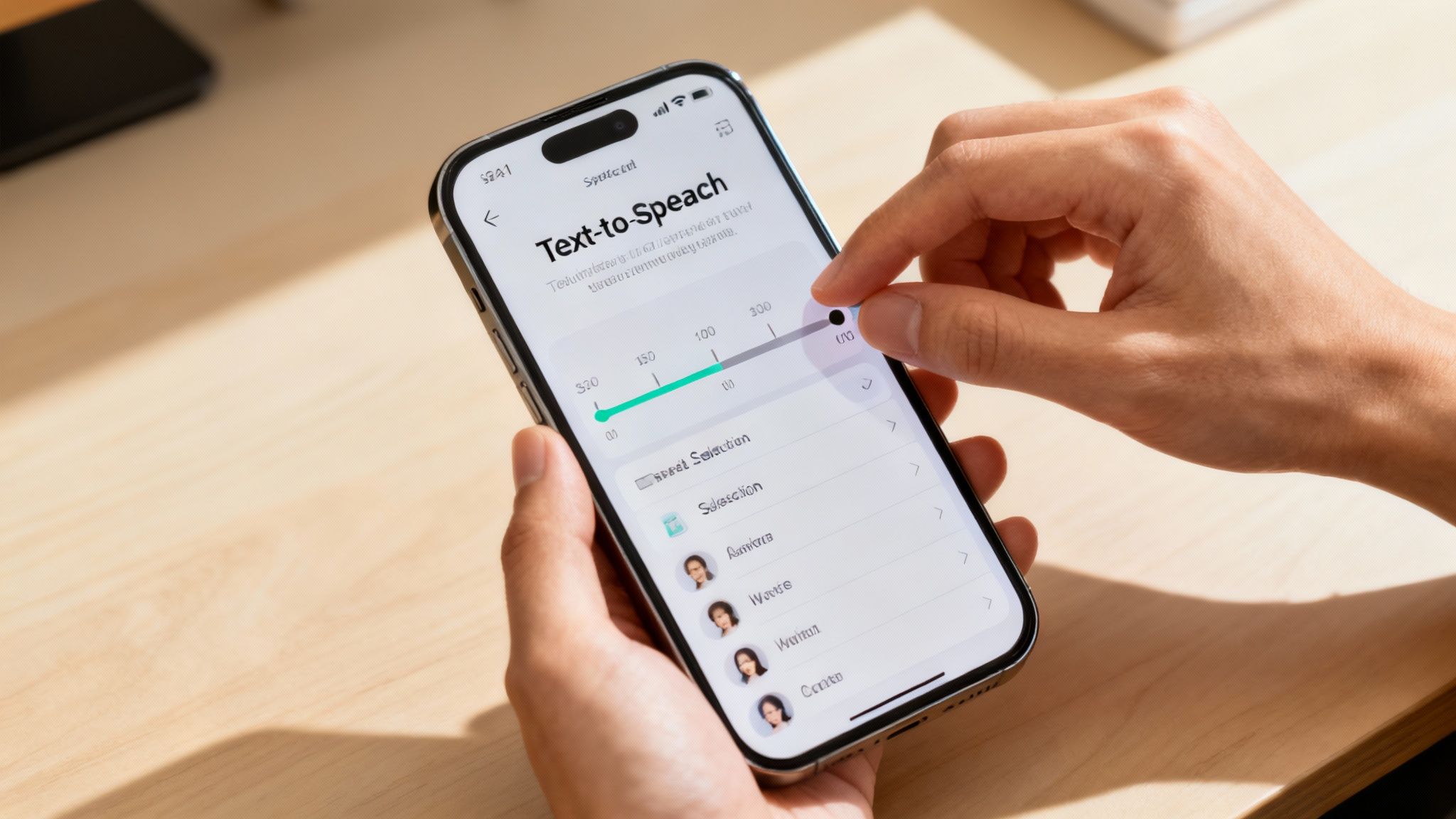
As you can see, you’ve got simple sliders and menus for quick adjustments. This kind of control is what makes an app that can read text aloud online a genuinely useful tool for getting things done.
Ready to find your perfect voice and speed? Download Speak4Me free on iOS and start personalizing your listening experience today.
Real-World Uses for Reading Text Aloud
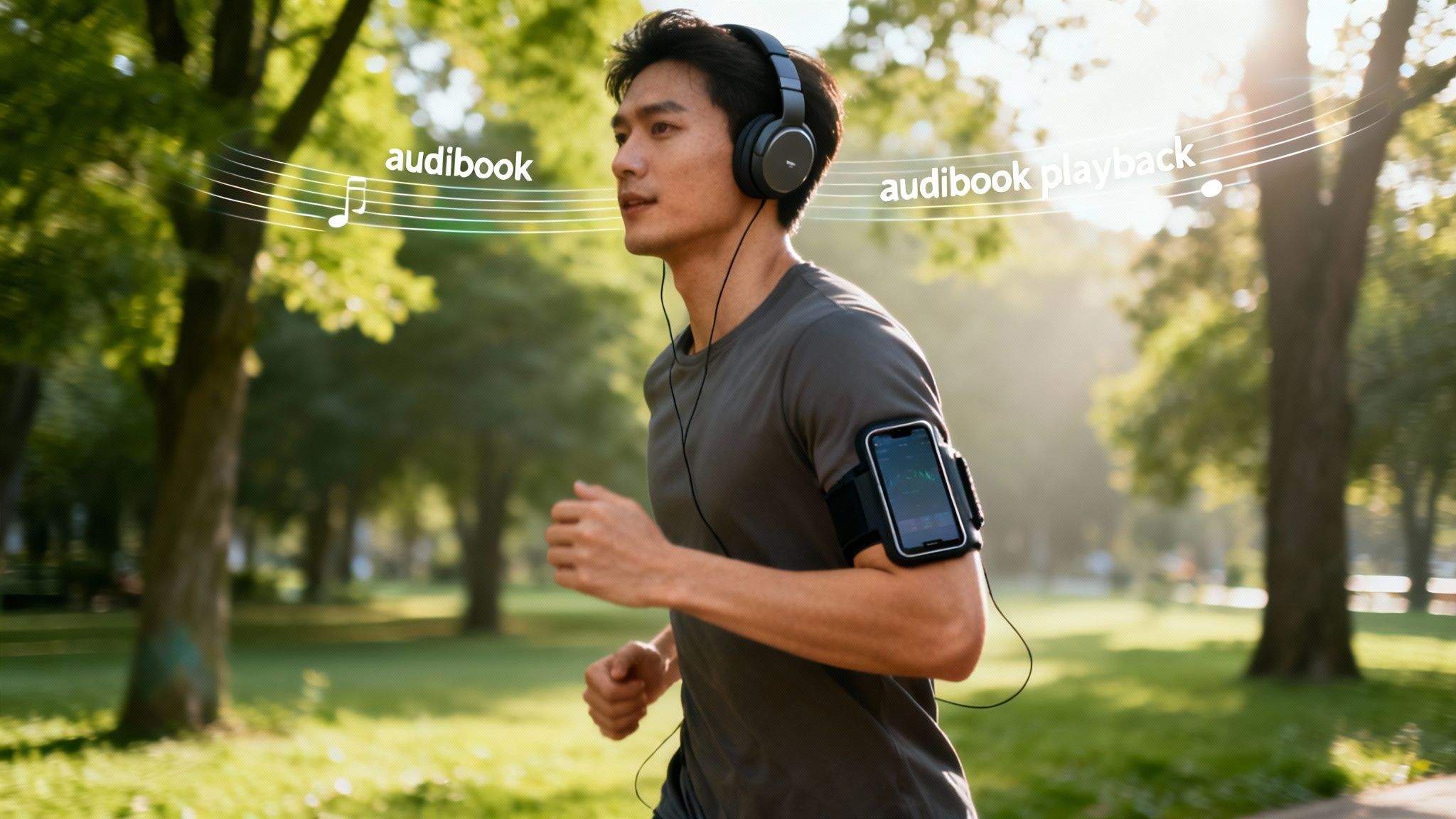
So, how does an app that can read text aloud online actually make a difference in your day-to-day life? It's one thing to talk about features, but the real magic happens when this technology solves a practical problem or opens up new ways to be productive.
Think about it: you're trying to get through a dense report for work, but you're tired of sitting at your desk. Instead, you can have Speak4Me read the report to you while you take a walk. Suddenly, that downtime becomes productive time, and you can absorb the key points without being chained to a screen.
From Studying to Proofreading
The possibilities are surprisingly broad, covering everything from acing an exam to polishing your own writing. A student, for instance, could turn their textbook chapters or lengthy study guides into an audio session for their commute or gym time. Hearing the material reinforces what they’ve read, which is a fantastic way to boost retention.
And here’s a pro tip for writers: have you ever tried proofreading your work by listening to it? It’s a total game-changer. Your ears will immediately pick up on clunky sentences, typos, and grammatical mistakes that your eyes just skimmed over.
This isn't just a niche convenience, either. The need for more flexible tools is getting noticed. In the U.S., regulations like Section 508 now require organizations to make content accessible with voice options. The same goes for education, where a growing understanding of different learning styles has pushed for tools that assist with reading. You can discover more insights about these market drivers on mordorintelligence.com.
An online text reader becomes an indispensable tool when it seamlessly integrates into your existing habits. It's not about adding another task; it's about making your current tasks easier and more efficient.
And if you've ever created audio from text and wanted to save it for a presentation or video project, learning about capturing system audio on Mac can be incredibly useful for that next step.
At the end of the day, these real-world examples show that listening isn't just passive—it's a powerful and active part of how we learn and get things done.
Ready to see how it fits into your life? Download Speak4Me free on iOS and transform your daily tasks today.
Pro Tips for a Better Listening Experience
Getting the hang of having text read aloud online is one thing, but making it truly great is another. It’s the little tweaks that turn a robotic recitation into a smooth, easy-to-follow audio experience. A few simple tricks can make all the difference.
For instance, you've probably noticed that some text-to-speech readers get tripped up by abbreviations or weird number formats. With Speak4Me, you can often make quick edits before listening. Spelling out "St." as "Street" or changing a number like "1500" to "one thousand five hundred" can help the narration flow naturally without any awkward stumbles.
Get Your Digital Library in Order
Before you know it, you'll have a mountain of saved articles and documents in Speak4Me. If you don't have a system, finding that one specific report can be a nightmare. We recommend setting up a few simple folders right away, like "Work Reports," "Study Guides," or even a "Fun Reads" for later.
This little bit of organization transforms the app from a content dump into your own personal audio library. It makes it so much easier to grab the right thing for your commute, workout, or a late-night study session. You'll spend less time digging and more time listening.
The real secret to a great listening session is matching the voice and speed to what you're listening to. I use a faster, crisper voice for skimming the news, but for a novel, I'll switch to a slower, more deliberate tone.
Match the Voice to the Vibe
You wouldn't read a research paper the same way you'd read a bedtime story, right? The same logic applies here. The type of content you're listening to should dictate the audio style.
Here’s how you could set things up in Speak4Me:
News and Updates: Crank the speed up a bit and pick a clear, direct voice. This helps you get the main points without wasting time.
Fiction or Storytelling: For these, slow it down. A more expressive voice can really pull you into the story and make it more immersive.
Study Materials: A moderate, steady pace is key here. It’s all about comprehension and making sure you don't miss any critical details.
Don't be afraid to play around with the settings. These small adjustments are what will make the experience feel completely customized to you.
Ready to unlock your full listening potential? Download Speak4Me free on iOS and start creating your perfect audio experience today.
Answering Your Top Questions
Got questions about listening to text online? You're not alone. Here are some quick, straightforward answers to the things people usually ask when they first start using a text-to-speech app like Speak4Me.
How Do I Listen to a Website Article?
Forget copying and pasting. The slickest way to listen to an article is by using the 'Share' feature that's already on your phone's browser.
Just find the share icon on the webpage you want to read, tap it, and pick Speak4Me from the list of apps. The article's text will pop right into the app, ready to play in a matter of seconds. It's that simple.
Can Speak4Me Read My PDFs and Word Docs?
Yes, absolutely. Speak4Me is designed to work with all sorts of documents, which is a lifesaver for work and school.
You can pull in files directly from your phone, from an email attachment, or even from cloud storage like Google Drive and Dropbox. This means pretty much any document you need to get through, you can listen to instead.
Being able to listen offline is a total game-changer. Once an article or document is saved in Speak4Me, you can listen to it anywhere. Your commute just became a whole lot more productive, no internet required.
Is It Possible to Listen Offline?
Definitely. Any text you import into Speak4Me—whether it’s from a website or a document—can be saved in the app.
This is perfect for when you're on the move. You can finally tackle that reading list on a flight, on the subway, or anywhere else with a spotty connection.
Is My Information Kept Private?
Your privacy is taken very seriously. All the text processing happens right on your device.
This means none of your documents or pasted text ever gets sent to an external server for storage or analysis. Your content stays yours—secure and completely private.
Ready to turn your reading into listening? Speak4Me makes it easy to get through articles, documents, and more, no matter where you are. Download Speak4Me for free on iOS and give your eyes a rest.
Try Speak4Me for Free
