12 Best Reading Apps for Dyslexia (2025 Review)
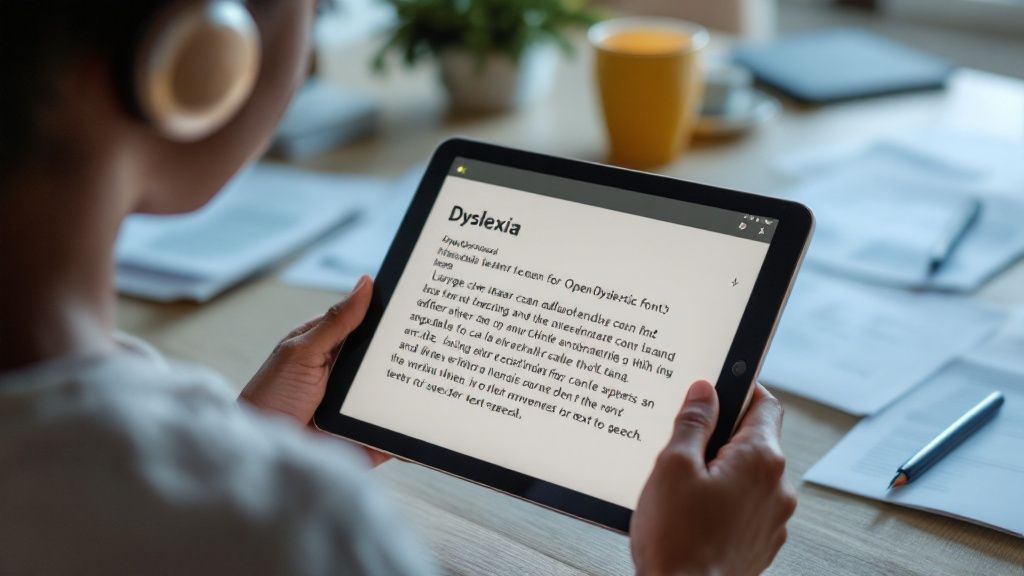
Navigating text can be a challenge for individuals with dyslexia, but the right technology can transform reading from a hurdle into a streamlined, accessible experience. Finding the best tools, however, often feels like searching for a needle in a haystack. This guide cuts through the noise, offering a detailed look at the top reading apps for dyslexia designed to support learners and professionals. We'll explore powerful text-to-speech (TTS) features, optical character recognition (OCR) for scanning physical documents, and customizable visual settings that make words easier to follow.
This is more than just a list. We provide an honest assessment of each app's strengths and weaknesses, complete with screenshots and direct links, so you can see exactly how they work. We'll examine practical use cases, from students completing homework to adults managing workplace documents. While technology provides powerful support, it's also helpful to understand foundational teaching strategies. Understanding effective methods for teaching primary-aged students to read can complement the use of these digital tools. Our goal is to equip you with the information needed to choose the perfect app to unlock a more confident and efficient reading journey.
1. Speak4Me
Speak4Me stands out as a premier choice among reading apps for dyslexia, offering a robust suite of tools that go far beyond simple text-to-speech functionality. It transforms a wide range of content, from web articles and PDFs to scanned physical documents, into exceptionally clear and natural-sounding audio. This comprehensive approach assists learners who benefit from auditory reinforcement.
The platform’s design is a testament to its commitment to accessibility and modern learning needs. By seamlessly integrating with cloud services like Google Drive, Dropbox, and iCloud, Speak4Me ensures that your entire library of documents is always ready for listening, wherever you are. This feature supports a flexible, on-the-go learning style, which is crucial for busy students and professionals.
Standout Features and Practical Use
Speak4Me is more than just a reader; it's an interactive learning partner. Its ChatWithMe feature is a genuine game-changer, allowing you to ask questions directly to your uploaded documents and receive concise summaries or specific answers. For a student with dyslexia reviewing a dense textbook chapter, this means they can quickly clarify concepts or get a high-level overview without having to re-read challenging passages. The app can then read these summaries aloud, further cementing comprehension.
By engaging both auditory and visual senses simultaneously and allowing users to listen at up to twice the average reading speed, Speak4Me helps improve focus, retention, and overall efficiency. It’s a powerful tool designed to support, not just accommodate, different learning styles.
Why It Excels for Dyslexia Support
The app directly addresses the core challenges associated with dyslexia by turning reading into a multi-sensory experience. The combination of seeing the highlighted text while hearing it spoken in a natural voice can significantly improve reading fluency and comprehension. Furthermore, its availability at no cost for schools and universities underscores its mission to make educational materials accessible to all learners.
Pros:
Transforms any text or scanned document into high-quality, natural speech.
Innovative ChatWithMe feature allows interactive questioning and summarization of files.
Supports listening speeds up to 2x faster than typical reading.
Specifically designed to assist individuals with dyslexia, ADHD, and other learning differences.
Free for educational institutions, promoting academic inclusivity.
Cons:
Advanced features and premium voice options may require a subscription.
Requires comfort with digital file management and cloud integration.
Ready to transform your reading experience? Download Speak4Me free on iOS and discover a more accessible way to learn.
2. Learning Ally
Learning Ally is a U.S.-based nonprofit that provides a massive library of human-narrated audiobooks. Its core strength lies in its K-12 focus, offering over 80,000 titles that align with school curricula. This makes it an invaluable resource for students needing accessible versions of their assigned textbooks and literature.
The Learning Ally Audiobook Solution app syncs highlighted text with the human narration, a feature proven to help improve reading comprehension and fluency. This makes it one of the most effective reading apps for dyslexia, especially for academic support.
Key Features and User Experience
Unlike synthesized text-to-speech, Learning Ally's human readers provide an engaging listening experience that captures nuance and emotion. The app itself is straightforward, allowing users to adjust reading speed, take notes, and easily navigate chapters.
Human-Read Audio: Professional narration makes complex material easier to follow.
Curriculum-Aligned: A vast collection of textbooks and required reading for U.S. schools.
Synced Text: Highlighting follows the narration, reinforcing word recognition.
The primary hurdle is the access requirement. A membership is needed, which requires documentation of a print disability like dyslexia. This ensures the service reaches its intended audience but means it is not open to everyone.
Best for: Students in the U.S. K-12 system who need accessible versions of their school-assigned books.
3. Bookshare
Bookshare is a leading accessible online library offering over a million ebooks to people with reading barriers. Partially funded by the U.S. Department of Education, its mission is to make reading easier. The platform provides textbooks, bestsellers, and niche titles in formats that support dyslexic readers, including audio, large print, and braille.
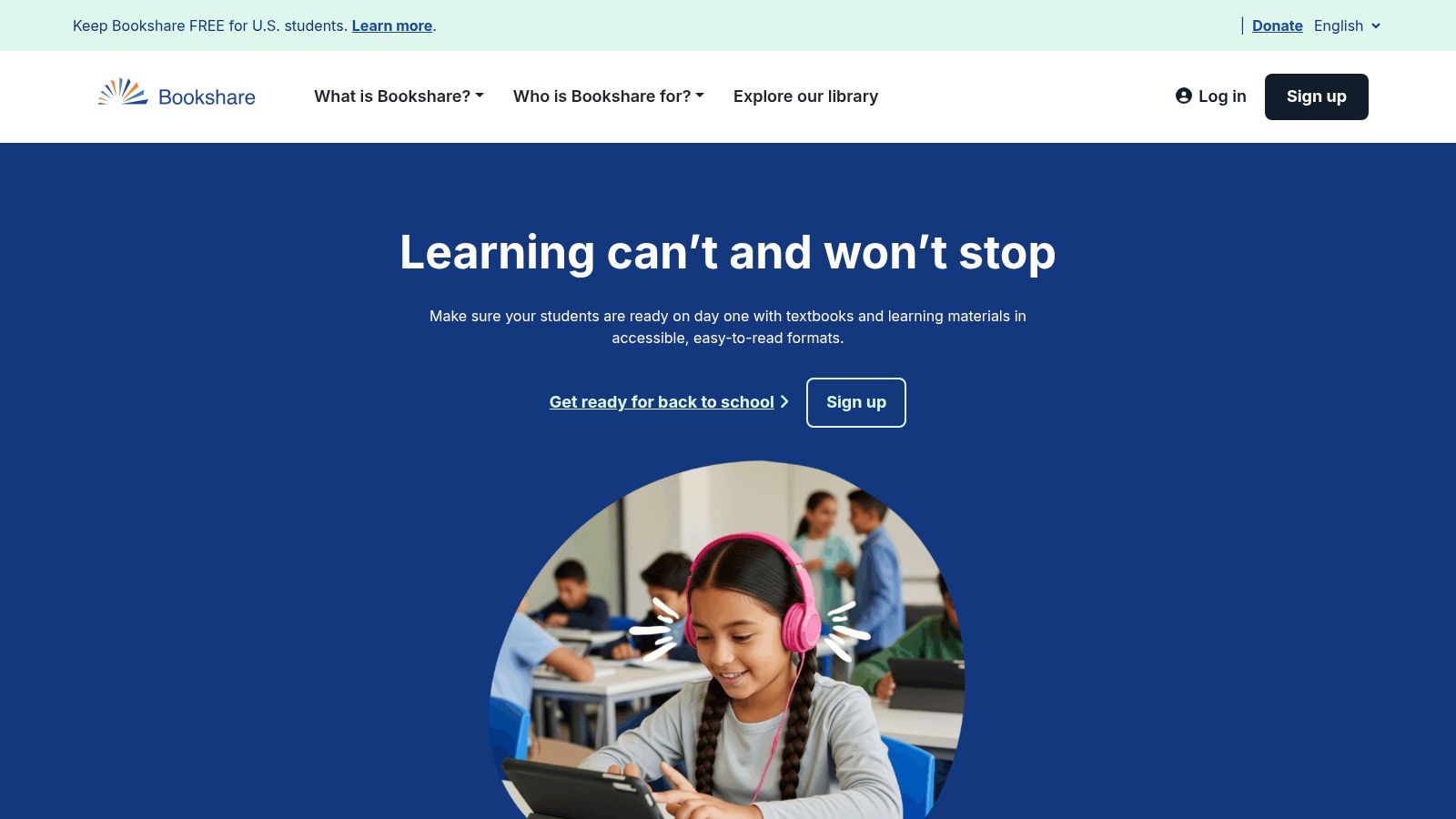
Its strength lies in its vast catalog and compatibility. Users can read books directly on the website or download them to use with a wide range of assistive technology tools and reading apps for dyslexia. This flexibility allows readers to choose the tools that work best for their individual needs, making it a powerful resource for students and adults alike.
Key Features and User Experience
The platform's interface is functional and focused on accessibility rather than aesthetics. Users can search for books and customize their reading experience with adjustable fonts, colors, and synthesized text-to-speech voices. Bookshare also integrates smoothly with popular apps like Voice Dream Reader.
Massive Library: Over one million titles, including educational materials and popular fiction.
Multiple Formats: Books are available in audio, braille, and large-print formats.
Broad Compatibility: Works with many assistive technology apps and devices.
Access requires proof of a qualifying disability, which is a necessary step to comply with copyright law. While the interface can feel utilitarian compared to consumer apps, its massive, free-for-students library is a significant advantage.
Best for: U.S. students with a documented disability seeking free access to a massive library of textbooks and other literature.
4. Voice Dream Reader
Voice Dream Reader is a premium, highly-regarded text-to-speech (TTS) application, especially popular within the Apple ecosystem. Its power lies in extreme customization, allowing users to tailor the reading experience to their exact preferences with an extensive library of high-quality voices and visual settings. It reads almost any digital text format, from PDFs and EPUBs to webpages.

The app integrates seamlessly with cloud services like Dropbox and Google Drive, as well as assistive technology libraries like Bookshare. This makes it one of the most versatile and powerful reading apps for dyslexia, turning any document into an accessible audiobook that works reliably offline.
Key Features and User Experience
Voice Dream Reader offers unparalleled control over both audio and visual presentation. Users can fine-tune reading speed, pitch, and voice, while also adjusting fonts, color themes, spacing, and margins. This level of personalization helps reduce visual stress and improves focus for many readers with dyslexia.
Extensive Customization: Adjust nearly every aspect of the audio and visual reading experience.
Broad Format Support: Reads PDF, EPUB, Word, and web content with annotation tools.
Offline Functionality: Download documents and listen anywhere without needing an internet connection.
A key consideration is its platform focus; the best experience is on iOS and macOS, with no official Android version available. Additionally, its pricing model has changed over time, which can be a point of confusion for new users.
Best for: Apple users who want maximum control over their text-to-speech reading experience and need to read various document types.
5. Speechify
Speechify is a highly popular text-to-speech (TTS) tool known for its user-friendly interface and cross-platform availability. It excels at converting digital text from websites, documents, and PDFs into natural-sounding audio, making it a versatile choice for students and professionals. Its powerful OCR technology even allows users to snap a photo of a physical book or handout and have it read aloud.
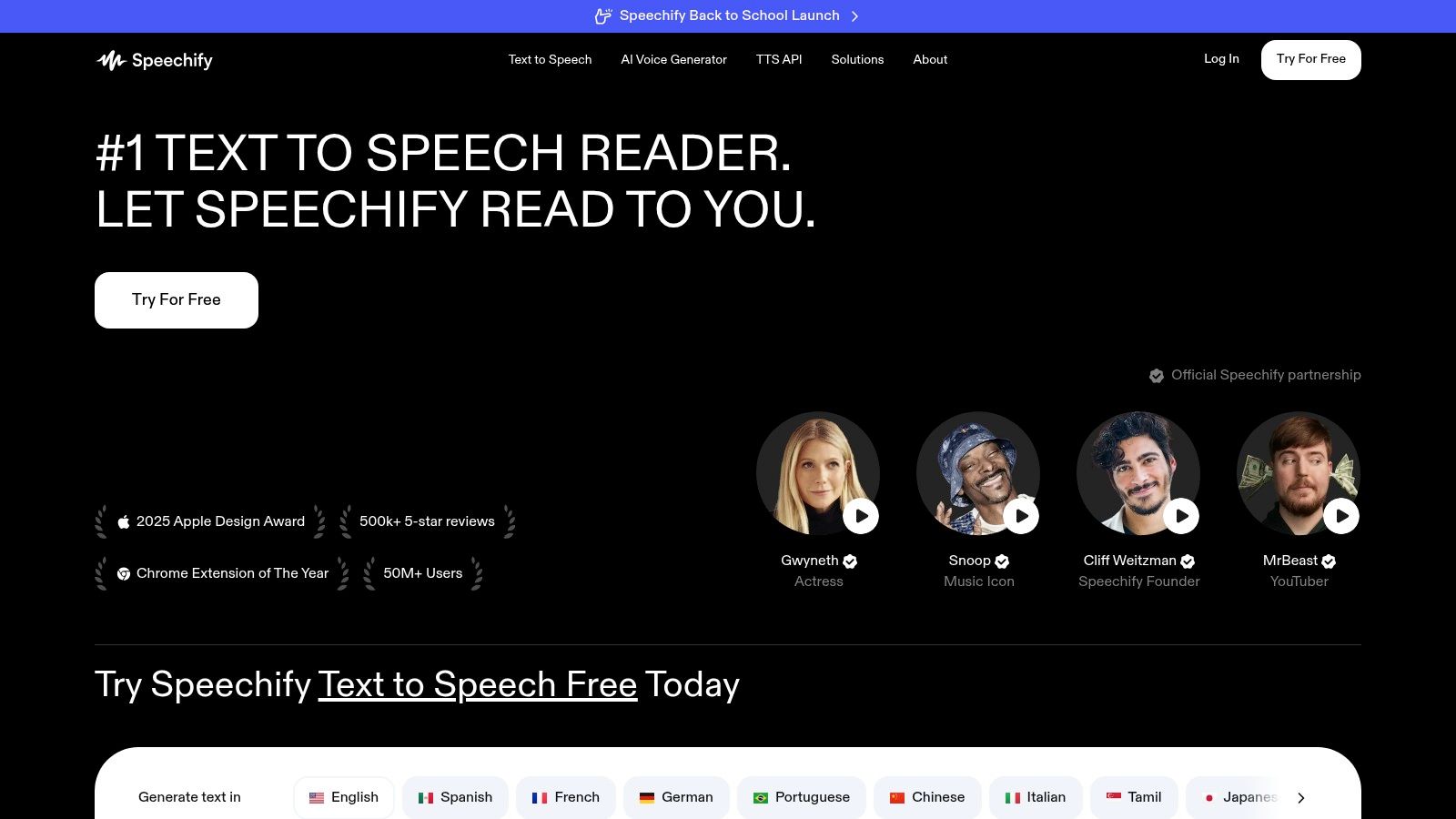
The platform’s browser extensions and mobile apps sync content seamlessly, allowing users to start listening on a laptop and continue on their phone. This flexibility makes it one of the most practical reading apps for dyslexia, integrating easily into daily academic and work routines. The ability of text-to-speech apps to help is significant, and Speechify is a leading example.
Key Features and User Experience
Speechify offers a clean and intuitive experience, making it easy for new users to get started. You can select from over 30 high-quality voices across 20+ languages and adjust the playback speed up to five times the normal rate. This customization helps users find a listening style that best suits their comprehension needs.
High-Quality TTS Voices: Offers a wide selection of natural-sounding voices and languages.
OCR Scanning: Easily converts printed text from photos into audible speech.
Cross-Platform Sync: Works across web browsers, iOS, and Android devices.
While the app has a free version, the most powerful features are locked behind a premium subscription. Some users have also reported issues with billing and the cancellation process, which is an important consideration before committing to a paid plan.
Best for: Individuals looking for a versatile, all-in-one TTS solution for web articles, digital documents, and physical text.
6. NaturalReader
NaturalReader is a powerful and versatile text-to-speech (TTS) tool available across multiple platforms, including a web app, desktop software, mobile app, and a convenient Chrome extension. It excels at converting various documents like PDFs, EPUBs, and even scanned images into spoken words, making digital text accessible for users who struggle with reading. Its flexibility makes it a great asset for both academic and personal use.

The platform stands out by offering a wide range of voices and functionalities, including OCR technology to read from images and scanned documents. This makes it one of the most adaptable reading apps for dyslexia, capable of handling almost any text format a user might encounter. Premium versions even allow for voice customization and MP3 conversion.
Key Features and User Experience
NaturalReader provides a straightforward interface that is easy to navigate, with unlimited listening available on its non-AI voices even in the free version. The premium AI voices offer incredibly lifelike narration, though they are subject to character limits. Users can adjust speed and voice to suit their preferences.
Multi-Format Support: Reads PDF, DOCX, EPUB, and text from images using OCR.
Cross-Platform Sync: Access your library and settings across web, desktop, and mobile.
Customization Options: Premium plans include a pronunciation editor to correct misread words.
The main limitation is the character cap on the high-quality AI voices in personal plans, and commercial usage rights require more expensive licenses. However, its free tier is robust enough for many users' daily needs.
Best for: Individuals needing a flexible, multi-platform TTS solution to read various document types on the web and offline.
7. Texthelp Read&Write
Texthelp Read&Write is a comprehensive literacy support toolbar widely adopted in schools and universities. Its strength is its integration across multiple platforms, offering a consistent set of tools whether you are working in Google Docs, on a webpage, or with a PDF. It acts as a digital overlay that provides support exactly where it's needed.

This robust software goes beyond simple text-to-speech by bundling a suite of tools designed to assist with both reading and writing. Features like dual-color highlighting, picture dictionaries, and screen masking make it one of the most versatile reading apps for dyslexia, addressing various aspects of literacy challenges. By transforming the reading experience with these tools, it helps users build confidence and independence.
Key Features and User Experience
Read&Write provides a floating toolbar that is accessible across desktops and browsers. Its features work together to create a supportive digital environment. For example, a user can have text read aloud, look up an unfamiliar word with the picture dictionary, and then use the speech-to-text feature to write a response.
Multi-Platform Support: Works seamlessly with Google Workspace, web browsers, and desktop applications.
Comprehensive Toolset: Includes text-to-speech, word prediction, picture dictionaries, and screen masking.
Writing Assistance: Features like speech-to-text and a sophisticated grammar checker help users express their ideas clearly.
While the free version offers basic text-to-speech, unlocking the full suite of powerful tools requires a premium subscription. The sheer number of features can also be overwhelming for new users at first.
Best for: Students and professionals who need an all-in-one literacy toolkit that integrates with their existing digital workflows.
8. ClaroRead
ClaroRead is a comprehensive software suite designed to support both reading and writing, making it a powerful tool for individuals with dyslexia. Unlike single-purpose apps, it offers a full toolkit including text-to-speech, screen tinting, word prediction, and advanced scanning capabilities, available across Windows, Mac, Chrome, and iOS. This cross-platform availability makes it an excellent choice for users who work in mixed-device environments.
The software excels at making inaccessible text readable. With its optical character recognition (OCR) features in the Plus and Pro versions, users can convert scanned documents and images into accessible text that can be read aloud. This makes ClaroRead one of the most versatile reading apps for dyslexia, bridging the gap between digital and print materials.
Key Features and User Experience
ClaroRead provides a highly customizable experience with over 80 high-quality voices across 30 languages. Visual comfort tools like the ScreenRuler and color overlays help reduce visual stress and improve focus on the text. While the interface can feel more traditional than newer web apps, its functionality is robust and reliable.
Cross-Platform Support: Works seamlessly across desktops, browsers, and mobile devices.
Visual Reading Aids: ScreenRuler and tinting overlays improve on-screen reading comfort.
Advanced OCR: Converts images of text and inaccessible PDFs into readable content.
Pricing can be complex as it is often handled through resellers and varies by license type. This requires some investigation to find the best option, but the software’s extensive feature set often justifies the effort for academic and professional users.
Best for: Students and professionals who need a powerful, multi-device solution for both reading and writing support.
9. Kurzweil 3000
Kurzweil 3000 is a premium, comprehensive literacy platform widely used in U.S. schools, colleges, and professional settings. It offers a powerful suite of tools that go far beyond basic text-to-speech, providing robust academic accommodations for learners with dyslexia and other reading challenges. It integrates reading, writing, and study supports into one cohesive system.
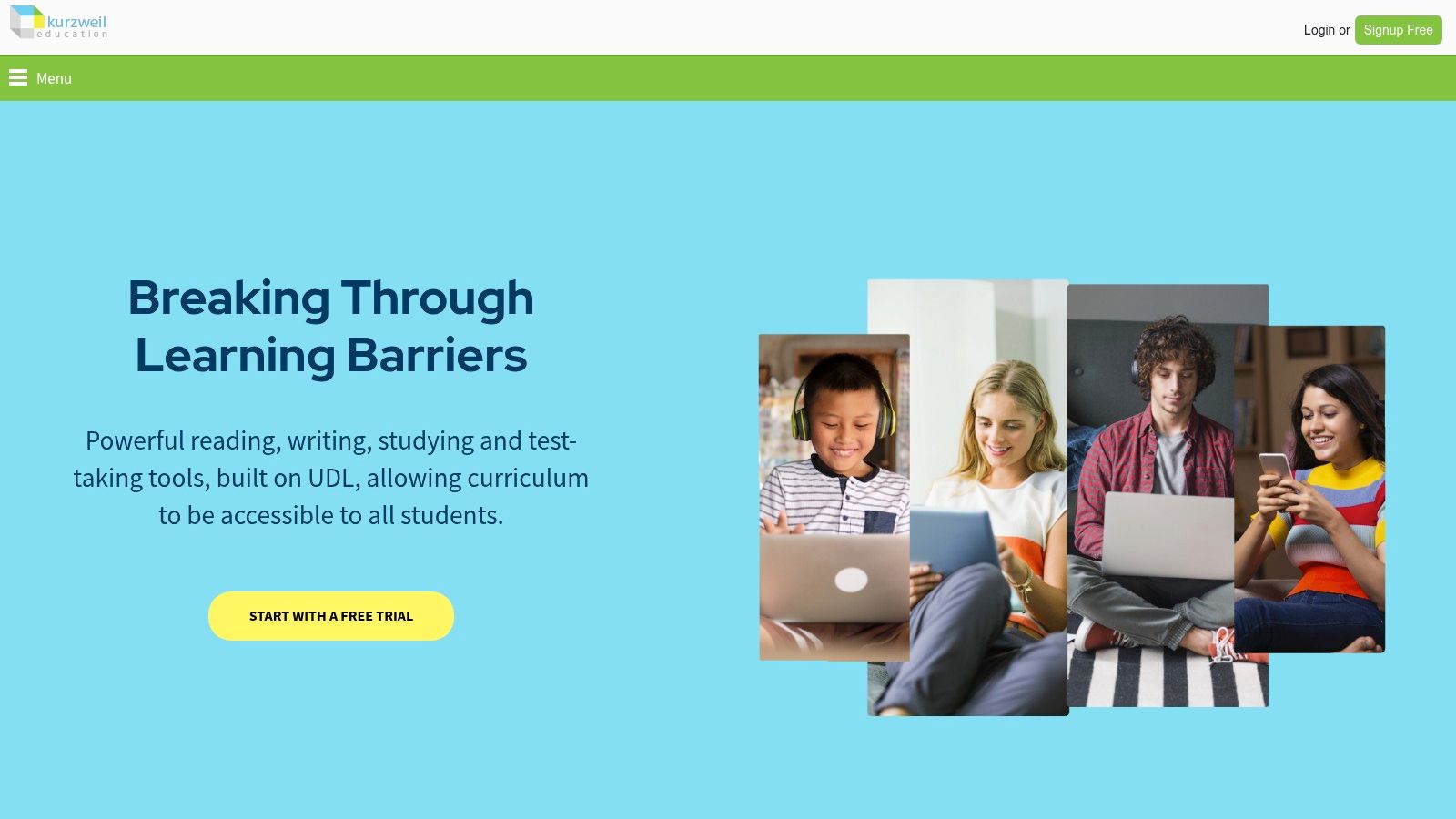
The platform is designed to support the entire academic workflow. It can read web pages, digital documents, and even scanned text aloud while highlighting words. Its strength lies in its extensive study tools, including graphic organizers, note-taking features, and dictionaries, making it one of the most effective reading apps for dyslexia in an educational context.
Key Features and User Experience
Kurzweil 3000 is well-known among disability services professionals for its reliability and depth. The user experience is geared toward academic tasks, with features like test-taking modes that provide accommodations while maintaining test integrity. Its web extensions for Chrome and Firefox bring its powerful reading tools to online content.
Comprehensive Study Tools: Includes highlighters, annotations, graphic organizers, and brainstorming tools.
Multi-Format Support: Reads text from virtually any source, including locked PDFs and scanned images.
Test-Taking Accommodations: Provides features like locked-down test modes for secure exam environments.
The main consideration is its cost and access model. Kurzweil 3000 is an enterprise-level solution, and its pricing reflects that. It is significantly more expensive than consumer apps, with the best value coming from school or district-wide licenses.
Best for: Students in high school or higher education who need a complete suite of academic tools supported by their institution.
10. Microsoft Immersive Reader
Microsoft Immersive Reader is not a standalone app but a powerful, free tool built directly into many Microsoft products, including Edge, Word, OneNote, and Teams. It transforms text into a clean, distraction-free format, making digital content significantly more accessible for users with dyslexia and other reading challenges. Its widespread availability in common software makes it an incredibly practical choice.

The tool excels at customizing the reading experience. Users can adjust fonts, increase spacing, and change background colors to reduce visual stress. Features like line focus, syllable splitting, and parts-of-speech highlighting directly support decoding and comprehension, solidifying its place among the best reading apps for dyslexia. A quality text-to-speech function is a core component, and you can explore more about how Microsoft Immersive Reader reads text aloud in various applications.
Key Features and User Experience
Immersive Reader's strength is its seamless integration. Activating it is just a click away within the software you already use, providing a consistent and simple interface. It removes ads and other clutter from web pages, allowing the reader to focus entirely on the content.
Distraction-Free Reading: Simplifies text layout with adjustable fonts, spacing, and backgrounds.
Built-In Learning Tools: Includes a picture dictionary, multi-language translation, and line focus.
Integrated Access: Available for free across the Microsoft 365 suite and the Edge browser.
The main limitation is that its features can vary slightly depending on the app it's used in. Compared to specialized study suites, it has fewer tools for annotation or exporting notes.
Best for: Students and professionals already using the Microsoft ecosystem who need a simple, free, and effective reading support tool.
Visit Microsoft Immersive Reader
11. Nessy Reading & Spelling
Nessy Reading & Spelling is a gamified learning platform that uses the Orton-Gillingham approach to teach foundational literacy skills. It is designed specifically for children aged 6–11 with dyslexia, offering a structured, multi-sensory program that makes learning fun and effective. The platform begins with an assessment to create an individualized learning path for each child.

Unlike simple reading aids, Nessy is an intervention tool built to develop core phonics, spelling, and reading comprehension abilities from the ground up. Its game-based lessons and reward system keep young learners motivated, making it a powerful resource for building confidence alongside skills.
Key Features and User Experience
The platform’s strength is its combination of evidence-based instruction with engaging activities. Children navigate hundreds of short lessons, videos, and games that target specific skills like phonological awareness, fluency, and vocabulary. Parents and teachers can track progress through detailed reporting tools.
Individualized Learning: A placement test creates a customized lesson plan for each user.
Gamified Lessons: Interactive games and a reward system maintain student engagement.
Progress Tracking: Reporting tools allow parents and educators to monitor performance.
The main consideration is that Nessy is a dedicated instructional program, not a text-to-speech reader for accessing existing content. It requires a subscription and consistent use, focusing on early elementary skills rather than providing access to advanced texts.
Best for: Young children (ages 6–11) who need a structured, game-based intervention program to build foundational reading and spelling skills.
Visit Nessy Reading & Spelling
12. Amazon Kindle and Audible
The Kindle and Audible ecosystem offers powerful, integrated tools that make mainstream reading more accessible. Its key feature, "Immersion Reading," synchronizes the Kindle text with its professionally narrated Audible audiobook, creating a multisensory experience that can significantly boost reading comprehension and engagement for individuals with dyslexia.
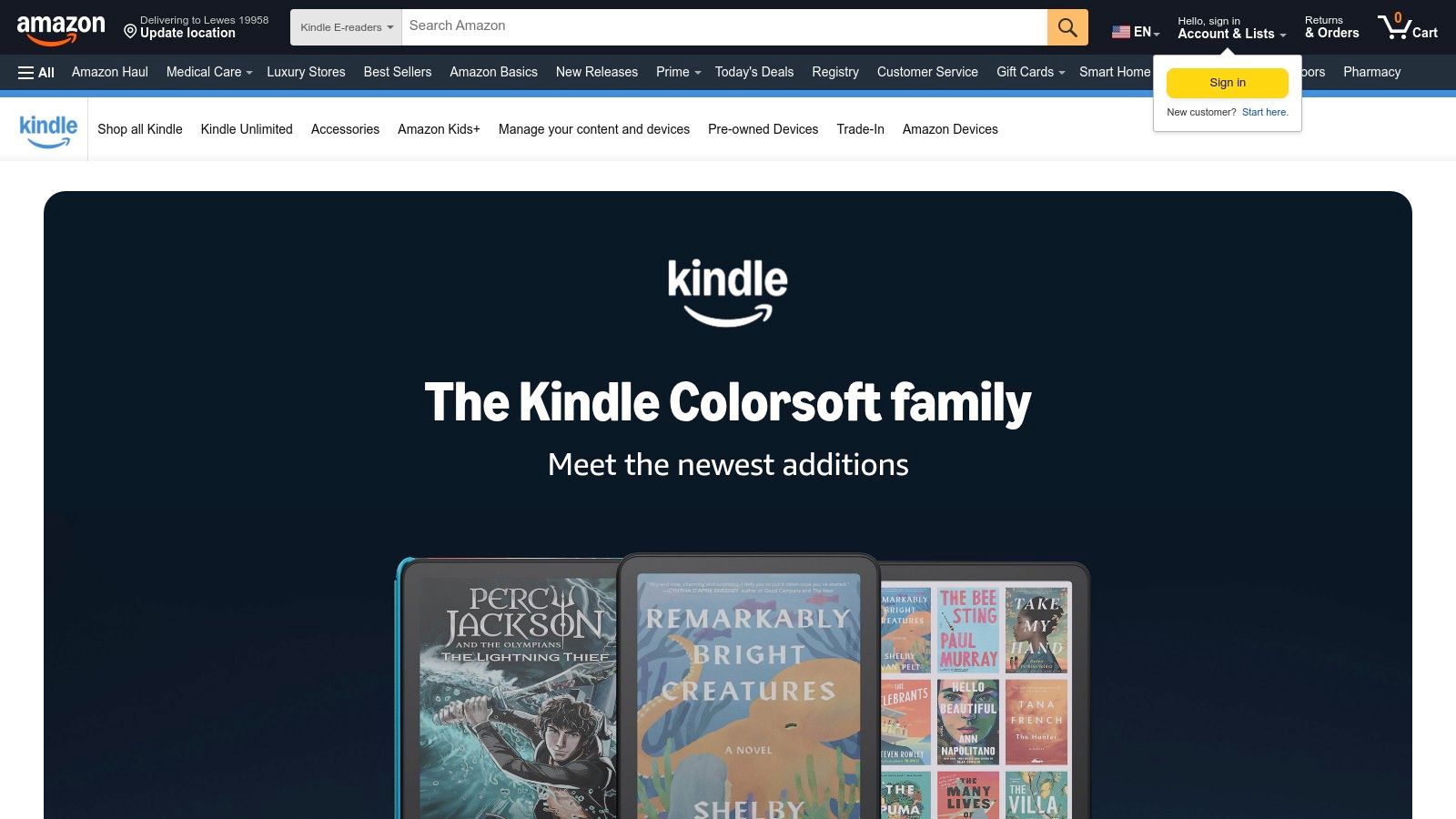
This synergy allows users to see words highlighted as they hear them, reinforcing word recognition and fluency. Additionally, the platform's accessibility features, like the OpenDyslexic font and spacing controls, provide layers of customization that cater to different visual needs, making it a versatile choice among reading apps for dyslexia.
Key Features and User Experience
Amazon's ecosystem shines with its vast commercial library and seamless device integration. The experience is designed for convenience, allowing users to switch between reading on a Kindle and listening on a phone without losing their place. Features like the Assistive Reader with text-to-speech offer a built-in accessibility alternative.
Immersion Reading: Pairs Kindle ebooks with human-narrated Audible audiobooks for synced reading and listening.
Reading Customization: Includes the OpenDyslexic font, adjustable spacing, and a reading ruler to aid focus.
Whispersync for Voice: Saves your place across Kindle and Audible, so you can switch formats instantly.
The main drawback is cost, as Immersion Reading requires purchasing both the ebook and the audiobook. While an excellent feature, its availability is limited to titles where both versions are enabled for this specific pairing.
Best for: Readers who want access to a massive library of popular books with powerful, built-in reading supports.
Key Features Comparison of 12 Dyslexia Reading Apps
Product | Core Features / Characteristics | User Experience / Quality ★★★★☆ | Value Proposition 💰 | Target Audience 👥 | Unique Selling Points ✨ |
|---|---|---|---|---|---|
🏆 Speak4Me | Natural TTS from any text or scanned docs; ChatWithMe Q&A & summaries | High-quality natural audio, up to 2x speed | Free for education; subscription for premium | Students, professionals, content creators | Interactive querying, multi-cloud integration, dyslexia/ADHD support |
Learning Ally | 80k+ human-read audiobooks, synced highlighting | Strong K-12 focus, unlimited listening | Membership-based, disability required | K-12 students with print disabilities | Human narration, curriculum-aligned library |
Bookshare | 1M+ accessible ebooks, multi-format support | Utility-first interface | Free for eligible U.S. students | Students with disabilities | Large catalog, braille & alternative format compatible |
Voice Dream Reader | PDFs, EPUBs, web reading, extensive customization | Highly configurable, offline capable | Paid app, best for Apple users | Dyslexic readers, Apple device users | Deep customization, annotations, Bookshare integration |
Speechify | 30+ voices, OCR, multi-language, 5x speed | Beginner-friendly, multi-device syncing | Subscription premium | Students, professionals | OCR scanning, fast playback, browser extensions |
NaturalReader | Web & desktop TTS, OCR, voice cloning (premium) | Simple UI, unlimited listening non-AI | Affordable personal/edu plans | Individual users, small groups | Voice cloning, pronunciation editor |
Texthelp Read&Write | TTS + writing tools, dual highlight, word prediction | Feature-rich, deep reading/writing support | Subscription required | Schools, colleges, dyslexia support | Word prediction, co-writer tools, extensive education resources |
ClaroRead | TTS, screen tinting, OCR, overlay tools | Strong dyslexia support, multi-device | Varies via resellers | Mixed device environments | ScreenRuler, OCR, 80+ voices, PDF accessibility |
Kurzweil 3000 | TTS, study tools, annotations, test support | Comprehensive academic features | Premium, best via institutional licensing | Schools, disability services | Graphic organizers, multi-platform, browser extensions |
Microsoft Immersive Reader | Free reading tool in MS apps, dyslexia-friendly modes | Simple UI, widely embedded | Completely free | Students, educators, general users | Integration with MS 365, multi-language translation |
Nessy Reading & Spelling | Gamified literacy program, assessments | Engaging for young children | Paid program | Children 6-11 with dyslexia | Orton-Gillingham based, interactive games |
Amazon Kindle & Audible | Immersion Reading, synchronized text/audio | Large commercial catalog, device sync | Cost per book, some features vary | General readers, audiobook users | Whispersync audio, OpenDyslexic font, Assistive Reader TTS |
Making Your Choice: The Right App is the One You'll Use
Navigating the world of assistive technology can feel overwhelming, but the journey to find the right tool is a powerful step toward reading independence. We've explored a wide range of powerful reading apps for dyslexia, from comprehensive literacy platforms like Kurzweil 3000 and Learning Ally to versatile text-to-speech tools like Voice Dream Reader and Speak4Me. Each offers a unique set of features designed to support different learning styles, needs, and budgets.
The key takeaway is that there is no single "best" app for everyone. The most effective tool will be the one that seamlessly integrates into your daily life, whether for school, work, or leisure. Your personal reading challenges and preferences are the most important factors in making a decision.
How to Choose the Right App for You
To narrow down your options, consider these practical next steps. Think about your primary needs and which features will provide the most significant support.
For Academic Support: If you need access to a vast library of academic textbooks and educational materials, platforms like Learning Ally and Bookshare are specifically designed for this purpose. Tools like Texthelp Read&Write and ClaroRead also offer excellent integrations with learning management systems and provide study aids like highlighters and vocabulary builders.
For Everyday Reading: For reading web pages, emails, and personal documents, a flexible text-to-speech (TTS) reader is essential. Speak4Me, Speechify, and NaturalReader excel at converting everyday text into clear audio, making digital content more accessible on the go.
For Customization and Control: If you require a high degree of control over the reading experience, look for apps with extensive customization. Voice Dream Reader is a leader in this area, allowing you to adjust voices, speeds, fonts, and color schemes to create a perfectly tailored environment.
For Built-in Accessibility: Don't overlook the powerful, free tools already available. Microsoft's Immersive Reader is a fantastic, no-cost option integrated into many Microsoft products, offering text decoding features that can make an immediate impact.
Putting Your New Tool to Work
Once you've selected an app, the final step is implementation. Remember that consistency is crucial. Dedicate time to learn the app's features and make it a regular part of your routine. The right app is not just a piece of software; it's a partner in your reading journey. By leveraging these innovative reading apps for dyslexia, you can unlock new levels of confidence, efficiency, and enjoyment in reading.
Ready to transform your reading experience with a simple yet powerful tool? Speak4Me is designed to make text accessible for everyone, offering high-quality voices and an easy-to-use interface that supports readers with dyslexia. Download Speak4Me free on iOS today and hear the difference for yourself.
Try Speak4Me for Free
