Your Guide to Text to Speech for Android
Ever tried to read an article or an important email while you were driving, working out, or cooking? It’s not just difficult; it’s often impossible. That’s where using text to speech for Android completely changes the game. It takes any written content on your phone and reads it out loud, freeing up your hands and eyes.
While your Android phone has some basic text-to-speech features built-in, a dedicated app is what truly unlocks a natural, enjoyable listening experience. Speak4Me, for example, is designed to turn your text into clear, lifelike audio, making it easy to listen on the go.
Unlocking a Better Listening Experience
Text-to-speech, or TTS, is more than just a neat feature—it’s a genuine shift in how we can consume information. Think about it: you could be listening to the morning news roundup during your commute or have a long work report read to you while you’re walking the dog. These are the kinds of real-world situations where a TTS app turns your device into a personal assistant, making downtime more productive.
The real magic is how it adapts to different needs.
For the busy professional: Catch up on long articles and reports without being glued to your screen.
For accessibility: It’s a fantastic tool that assists anyone who finds reading on a screen challenging, offering a clear auditory option.
For students and learners: Hearing text can significantly support comprehension and help information stick.
The technology powering this is evolving at an incredible pace. The global Text-to-Speech market was valued at a huge USD 3.19 billion and is expected to climb to USD 12.4 billion by 2033. This boom is all thanks to AI advancements that make synthetic voices sound more lifelike and less robotic than ever before.
Android's built-in settings are a decent start, but they often fall short. The voices can sound a bit clunky, and the controls aren't always intuitive. This is precisely where a specialized app makes all the difference. If you're curious about the mechanics behind it, you can dive deeper into how text to speech works.
A dedicated app like Speak4Me takes this powerful feature a step further. It's designed to provide a more personal and seamless listening experience with higher-quality voices and simpler content management, turning your phone into a true productivity partner.
Ready to see—or rather, hear—what a difference it can make? Download Speak4Me free on iOS and give your content a voice.
Tweaking Android’s Built-in Text-to-Speech
Before diving into a dedicated app, it’s worth spending a few minutes fine-tuning the native text to speech for android. Your phone already has this feature built-in, usually tucked away in the Accessibility menu. A few quick adjustments here can make a world of difference.
To find it, just head into your phone’s Settings and look for the Accessibility section. Once you're there, you should see an option called "Text-to-speech output" or something similar. This is basically the control panel for your phone's default TTS engine.
Finding a Voice You Like
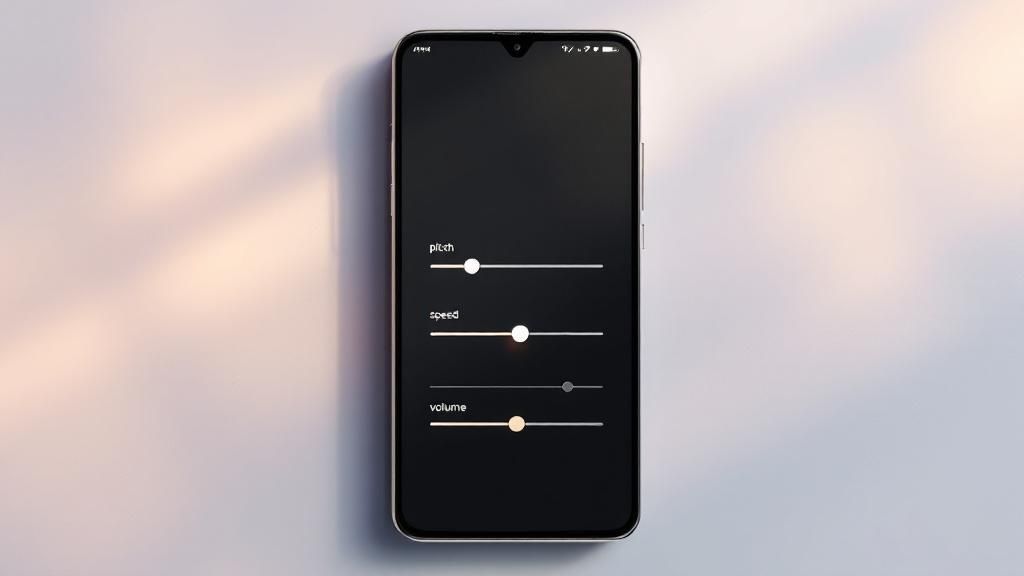
Once you’re in the TTS settings, you’ll see two main sliders that let you personalize the voice:
Speech Rate: This is all about speed. You can slow it down for better clarity, which is great for dense articles or complex topics. Or, you can speed it up to get through your reading list faster.
Pitch: This adjusts the tone of the voice, making it higher or lower. Sometimes a small tweak here is all it takes to make a robotic voice sound a bit more human.
The sweet spot is different for everyone. If the speech rate is too fast, you’ll lose comprehension, but if it's too slow, you might find your mind wandering. The trick is to find a comfortable pace that keeps you locked in.
My advice? Don't just set it and forget it. Tap the "play sample" button and mess with the sliders until you find a combination that sounds clear and pleasant to you. A voice you actually enjoy listening to makes a huge difference, especially for longer content.
While these built-in settings are a decent start, you'll quickly notice their limitations. The voice options are pretty basic, and honestly, getting to them through multiple system menus is a bit of a hassle. This is where a specialized app really shines.
Take Speak4Me, for example. It's designed specifically to solve these problems. The interface is clean and simple, and it gives you instant access to a massive library of high-quality, natural-sounding voices. All the controls you need are right there in the app, not buried three levels deep in your phone's settings.
Want to hear the upgrade for yourself? Download Speak4Me free on iOS and explore a much wider range of premium voices.
Take Your Listening to the Next Level with Speak4Me
Android's built-in text-to-speech is a decent starting point, but if you really want to make listening to content a core part of your day, a dedicated app like Speak4Me changes the game. It’s built around one simple idea: making it ridiculously easy to listen to content from just about anywhere. You can pull in web articles, PDFs, or even text you’ve just copied.
Think about it. A student could load up their lecture notes and review them on the bus. A professional could get caught up on the latest industry reports during their morning workout. That's what Speak4Me is designed for—turning those in-between moments into productive, hands-free time for learning or just catching up.
What Makes Speak4Me Stand Out
This isn't just about basic narration. The app is all about creating a listening experience that actually works for you, with a few key advantages baked right in.
A Library of Lifelike Voices: Forget those robotic, monotone narrators. You get to choose from a whole library of high-quality, natural-sounding voices that make listening feel less like a chore and more like a podcast.
True Offline Listening: Save your articles and documents right to your phone. This is a lifesaver for commutes, flights, or anywhere else your internet connection might be spotty.
No-Fuss Playback Controls: The interface is clean and simple. Playing, pausing, and skipping through your content is straightforward, without a bunch of confusing buttons getting in the way.
This focus on a better user experience is exactly why dedicated apps are catching on. The Voice to Text on Mobile Devices market is absolutely exploding, projected to jump from USD 22.2 billion in 2025 to a massive USD 183.5 billion by 2035. That kind of growth is all about people wanting better tools to go hands-free.
Speak4Me isn’t just about having words read aloud. It’s about building your own personal audio library from the articles, documents, and notes that matter most to you.
The whole platform is flexible enough to fit whatever your style of learning or working is. If you want to dive deeper, you can read about the Speak4Me app's features to see how it might fit into your routine. Ready to try it? Download Speak4Me free on iOS.
Go Beyond Basic Narration with Advanced AI Tools
Speak4Me is more than just a text-to-speech reader; it’s a powerful interactive assistant built to make you more productive. One of the standout features is ChatWithMe, an AI conversation tool that completely changes how you engage with documents before you even start listening.
Think about it. You've got a dense, 20-page research paper to get through. Instead of slogging through the entire thing, you can use ChatWithMe to ask the AI for a quick summary of the key findings. This gives you the core takeaways in seconds, helping you decide if you want to commit to the full text. It's a genuinely smart way to cut through information overload.
Build and Organize Your Personal Listening Library
Keeping your content organized is just as important as listening to it. Speak4Me lets you build a personal library where you can manage all your different materials. Create dedicated folders for work reports, university lectures, or even just interesting blog articles you want to catch up on. Everything stays neat and easy to find.
I've found a few tricks to get the most out of the library feature:
Group by Project: Keep all related documents for a specific project in one folder. This makes jumping back into your work so much faster.
Practice a New Language: I save articles in Spanish to practice my listening skills. Hearing the words pronounced by a natural-sounding voice is a huge help.
Prep for Meetings: Load all the pre-reading materials and have the AI summarize the main points. You'll walk into the meeting feeling completely prepared.
This kind of organization turns the app from a simple reader into your central hub for all things audio. And if you're thinking about creating more complex multimedia projects, you could even explore how an AI video generator from text could complement your spoken content.
The image below gives you a quick snapshot of just how simple it is to get these features up and running.
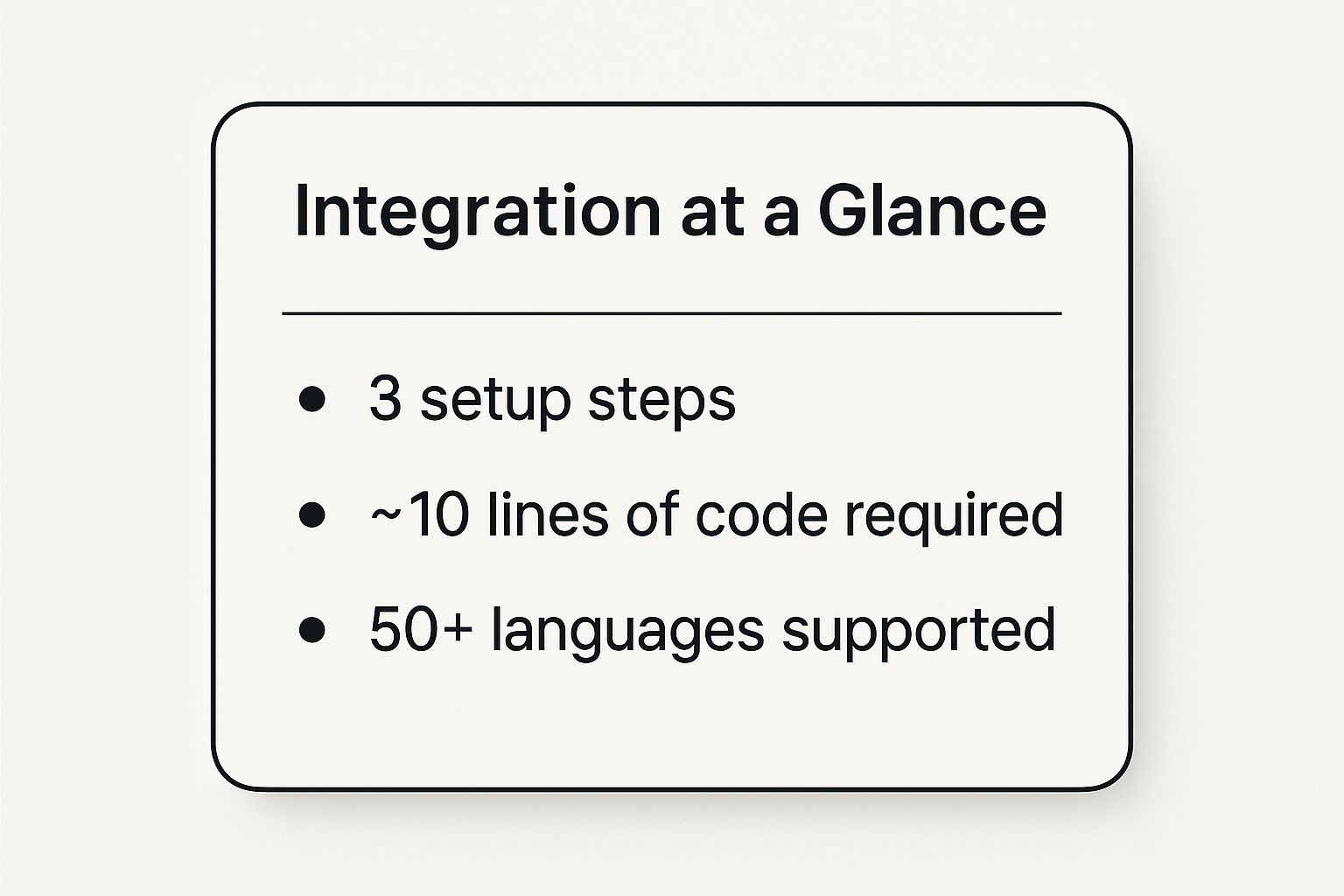
As you can see, powerful doesn't have to mean complicated.
The demand for tools like this is surging. Projections show the global voice-to-text market on mobile devices is expected to reach $15 billion by 2025. With an 18% growth rate anticipated through 2033, it's clear that AI-driven improvements in accuracy and speed are what people want.
If you're looking for more ways to make your day more efficient, check out our guide on how to boost your productivity with a text to speech app.
To see how Speak4Me stacks up against the standard text-to-speech features already on your Android device, take a look at this quick comparison.
Speak4Me Feature Comparison
Feature | Standard Android TTS | Speak4Me App |
|---|---|---|
Basic Narration | Yes | Yes, with premium voices |
Content Organization | No | Yes, via personal library and folders |
Interactive AI Chat | No | Yes, with the ChatWithMe feature |
Pre-listening Summaries | No | Yes, on-demand |
Multi-document Projects | Manual | Easy to group and manage |
It's clear that Speak4Me offers a much richer, more interactive experience, turning your device into a true productivity partner.
Ready to Turn Your Phone into a Personal Reader?
We've walked through everything from enabling Android's built-in text-to-speech to really dialing it in with a powerful app like Speak4Me. The goal is simple: turn your phone into a high-quality audio source, making those moments of downtime—your commute, a workout, even just doing the dishes—genuinely productive.
Honestly, the best way to see the difference is to just try it. Think about it: you could be listening to that long article you saved, a work document, or even your favorite blog while you're on the move. You're not just reading anymore; you're listening, absorbing information, and multitasking in a way that actually works.
When you make information audible, you're not just consuming content—you're making your day more flexible. It’s all about fitting more learning and productivity into the hours you already have.
Ready to give it a shot? It’s surprisingly simple to get started and turn your phone into a personal reader that goes wherever you do.
Start listening today. Download Speak4Me free on iOS and hear the difference for yourself.
Got Questions About Android TTS?
When people first start digging into text-to-speech on Android, a few questions always seem to pop up. Let's tackle some of the most common ones so you can get the most out of your listening experience.
Can I make it read from any app?
This is a big one. Technically, yes. Android has a built-in feature called 'Select to Speak' that works almost everywhere. The catch? It’s a bit clunky to use, requiring you to highlight text every single time.
A much smoother way to do this is with a dedicated app like Speak4Me. Instead of wrestling with highlighting, you can just import articles and documents directly. This gives you far better control and much higher-quality audio.
How do I get better, more natural-sounding voices?
The default robot voice gets old fast, right? While you can hunt for different voice packs on the Google Play Store, the best, most human-like voices are found in specialized apps.
Speak4Me, for instance, uses really advanced voice synthesis to give you a whole library of expressive, natural voices. It makes listening to an article feel less like a computer reading to you and more like a real person.
What about battery life? Will this drain my phone? That's a valid concern. Using text-to-speech is roughly equivalent to playing music on your phone—it uses a moderate amount of power, but it's not a huge drain. Apps like Speak4Me are built to be efficient, and a key feature is that you can listen with the screen off, which saves a ton of battery.
This means you can easily listen to long reports, articles, or notes on your commute without worrying that your phone will die before you get there. It’s all about efficient multitasking.
Ready to hear the difference for yourself? Speak4Me makes it incredibly simple to turn your reading list into high-quality audio.
Download Speak4Me for free and start listening today.
Try Speak4Me for Free
