What Does TTS Mean in Text? Find Out Here
Ever seen the letters TTS pop up in a text or on an app and wondered what they meant? It’s short for Text-to-Speech, a clever bit of tech that reads digital text aloud. Think of it as a personal narrator for your phone, turning articles, emails, or even a long text thread into spoken words.
What TTS Means in Your Everyday Life
Text-to-Speech is the friendly voice giving you driving directions, the narrator of your audiobook, or the personality behind your virtual assistant. It's woven so seamlessly into our daily routines that we often don't even notice it working in the background.
At its heart, what TTS means is the simple act of converting written words into audible speech. And no, we’re not talking about those clunky, robotic voices from old sci-fi movies anymore. Today’s TTS sounds incredibly natural, thanks to huge leaps in artificial intelligence that allow for realistic tones and inflections.
Let's break down its core purpose in a simple table.
TTS at a Glance: What Text-to-Speech Does
Function | Description | Primary Benefit |
|---|---|---|
Accessibility | Reads digital content aloud for users who need it. | Makes digital information accessible to everyone. |
Multitasking | Converts written text into audio for hands-free listening. | Allows you to consume content while driving or working out. |
Learning Aid | Assists auditory learners and those with reading difficulties. | Improves comprehension and makes learning more flexible. |
Convenience | Instantly turns long articles or emails into a personal podcast. | Saves time and reduces screen fatigue. |
As you can see, the applications are practical and incredibly useful for a wide range of people.
From Early Invention to Modern Tech
The idea behind TTS has actually been around for a while. Early experiments with mechanical speech systems date back to the 1930s. But the first real system that could turn English text into speech was developed by a Japanese research team way back in 1968. That was the spark that eventually led to the powerful tools we have today.
Over the decades, TTS has gone from a niche scientific project to an essential part of our digital world. It's a prime example of how a simple concept can profoundly change how we interact with information.
TTS technology bridges the gap between written content and auditory learning, creating a more inclusive and flexible way to consume information. It supports multitasking and different learning styles.
Now, this powerful capability is right at your fingertips. To really understand what is text-to-speech and how to use it, the best way is to try it for yourself and hear the difference.
How Your Phone Learns to Talk
Ever wondered how your phone magically turns the words on your screen into a natural-sounding voice? It's not just a simple playback of a recording. The technology behind text-to-speech is a fascinating, multi-step journey driven by some seriously clever software.
It all starts with something called text normalization. Think of this as the software tidying up the raw text. It takes abbreviations like "Dr." and expands them to "Doctor," and it figures out how to pronounce numbers, dates, and symbols correctly. It’s the prep work that gets the text ready for the main event.
Next up is the real brains of the operation: linguistic analysis. Here, the TTS engine dives deep into grammar and sentence structure to understand the context. This is how it knows the difference between "I read that book yesterday" and "I will read this book tomorrow." It also works out the right rhythm and intonation, which is what separates a human-sounding voice from a robotic one.
This image breaks down the basic flow of turning text into spoken words.
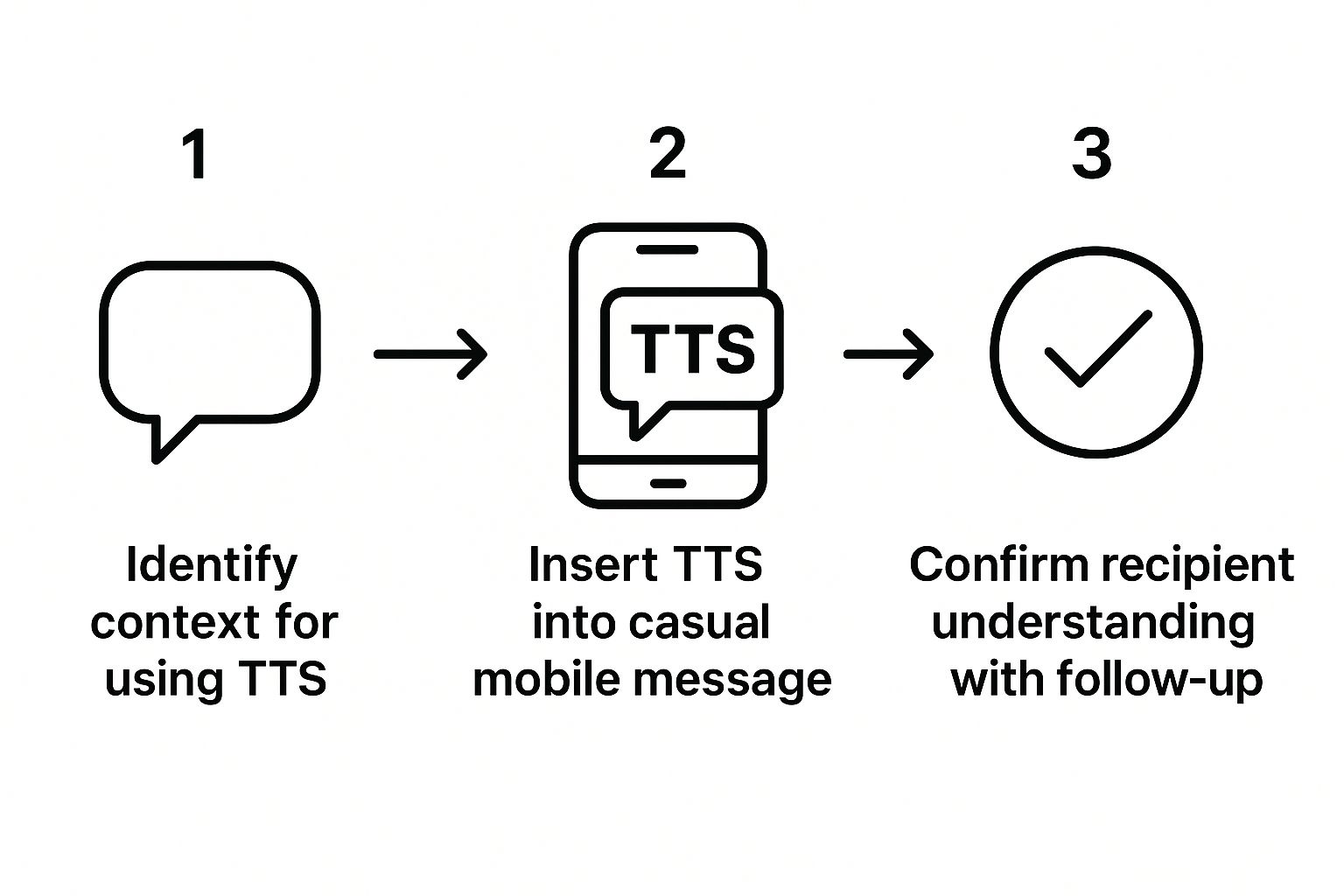
As you can see, it’s a well-defined process, moving from raw text to intelligent analysis before any sound is even created.
From Analysis to Audio
Finally, we get to the magic moment: waveform synthesis. This is where all that analyzed text is converted into the actual sound waves you hear. Modern TTS apps use advanced AI for this, stitching together sounds to create voices that are incredibly smooth and expressive. This tech is part of a bigger world of audio generation, which also includes things like creating AI text sound effects.
This whole sophisticated process is why the best TTS voices sound less like a computer reading a script and more like a real person having a conversation. The goal isn't just to be understood, but to be clear, engaging, and easy to listen to.
This final step is where tools like Speak4Me really shine, using refined synthesis techniques to produce exceptionally lifelike voices. If you want to hear just how good it can get, you can Download Speak4Me free on iOS and try it out for yourself.
Putting Text-to-Speech to Work for You
So, how does text-to-speech actually fit into your daily life? It's far more than a neat trick; it's a genuine tool for getting things done, learning smarter, and making your day just a bit easier. Think of it as a way to completely rethink how you consume information.
Ever wish you could be productive during your commute? With TTS, you can. Instead of just listening to the radio, you could be catching up on important work emails, listening to a dense report, or getting through your industry news feed—all while keeping your hands on the wheel. Suddenly, that dead time becomes productive time.
Boosting Learning and Efficiency
For students and anyone trying to learn something new, TTS is a massive help. If you're an auditory learner, hearing the material can make all the difference in helping it stick. It's also fantastic for learning a new language; you can hear a native speaker's pronunciation on repeat until you get it just right.
Interestingly, the core ideas that let a computer read text aloud are the same building blocks for other cool technologies. For example, similar concepts are used when you convert text to video, turning a simple script into dynamic, visual content.
TTS technology slots right into your daily tasks, making information more accessible and freeing you up to multitask. It’s about consuming content on your own terms, wherever you happen to be.
The usefulness doesn't stop there. Picture yourself in the kitchen, hands covered in flour, having a recipe read out to you. Or maybe you're folding laundry and want to get through a few news articles. This is where the versatility of TTS really shines, acting like a personal assistant for a busy life.
These everyday examples show just how practical this technology has become. An app like Speak4Me puts all of this power right in your pocket, giving you an easy way to make TTS a part of your daily routine and reclaim your time.
Ready to make your text talk? Download Speak4Me free on iOS and see for yourself how much more you can get done.
Why TTS Is a Lifeline for Accessibility
For millions of people, Text-to-Speech isn't just a neat feature—it's the key that unlocks the digital world. The technology is a game-changer for anyone with a visual impairment, reading aloud everything from websites and emails to personal documents. This gives people the freedom to access information independently.
This kind of support is fundamental to digital inclusion. You can learn more about how TTS supports users with visual impairment and helps people navigate the online world on their own terms.
Giving Everyone a Voice
TTS also provides a helping hand to people with dyslexia and other reading challenges. It takes what might look like an intimidating wall of text and turns it into easy-to-follow audio. This simple switch can make a world of difference in understanding and reduces the mental strain of reading.
Beyond that, the technology can literally become a voice for those with conditions that affect their speech. A person can type what they want to say, and the device speaks it for them, allowing for smooth, natural conversations.
Text-to-Speech is a powerful instrument for inclusion. It breaks down barriers, ensuring that everyone can communicate, learn, and participate in an increasingly digital society.
A Growing Wave of Support
The real-world impact of TTS is clear when you look at the numbers. The market for this technology is expanding by over 15% every year, driven by its growing role in healthcare and education.
In some settings, TTS helps people with speech impairments communicate their needs. In fact, studies show that comprehension can be as high as 90% when messages are spoken aloud. You can dig into these findings from the National Center for Biotechnology Information to learn more.
This is where specialized tools really shine. Apps like Speak4Me are built from the ground up to make communication simpler and more direct for everyone. See how it works for yourself and download Speak4Me free on iOS.
How to Use TTS on Your Phone Today
Ready to give Text-to-Speech a try? The good news is, you probably already have it. Most smartphones include a built-in screen reader, usually tucked away in the 'Accessibility' settings.
These native tools are fine for a quick read-aloud, but they can be a bit clunky. The voices often sound robotic, which makes listening to anything longer than a sentence feel like a chore. If you want a smoother experience with more natural-sounding voices and better controls, a dedicated app is the way to go.
Why a Dedicated App is Better
This is exactly why Speak4Me was created. We wanted something simple, with high-quality, customizable voices that actually make listening enjoyable. Instead of digging through menus, you get a clean, focused interface that does one thing really well: turning any text into clear, crisp audio.
For a deeper look at your options, check out our guide on Text-to-Speech for Android phones.
Here's a quick peek at the Speak4Me app. It was designed to be as straightforward as possible.
As you can see, all the important controls are right at your fingertips. Just paste your text, press play, and you're good to go—no hassle involved.
Common Questions About Text-to-Speech
As text-to-speech gets more popular, a lot of questions pop up. It makes sense—the more you understand how it works, the more you can get out of it. Let's tackle some of the most common things people ask.
We’ll break down the difference between similar-sounding tech, bust a few old myths, and give you some practical tips for getting the best possible audio.
Is TTS the Same as Voice Recognition?
It's easy to get these two mixed up, but they're actually mirror opposites.
Here’s a simple way to think about it:
Text-to-Speech (TTS): This is when your device talks to you. It takes written words and reads them aloud.
Voice Recognition (Speech-to-Text): This is when you talk to your device. It listens to what you say and converts it into written text.
So, when an app like Speak4Me reads a blog post for you, that's TTS. When you tell your phone to send a message, that's voice recognition. Two totally different tools, both incredibly useful.
Do All TTS Voices Sound Robotic?
That’s a common misconception, but it’s based on really old technology. The first TTS voices were definitely clunky and mechanical, but things have come a long, long way since then. Modern TTS systems use AI to generate what we call “neural voices.”
These voices are designed from the ground up to sound like a real person. They capture the tiny details that make speech feel natural—the slight pauses, the changes in pitch, and the emotional tone. It makes listening a much more pleasant experience, even for hours at a time. This is exactly what apps like Speak4Me aim for: delivering high-quality, realistic voices that are easy on the ears.
How Can I Make TTS Sound Better?
While the app or software you use is the biggest factor, you can do a few things to help it along. The single best thing you can do is feed it clean text with proper punctuation.
Think of commas, periods, and question marks as stage directions for the TTS engine. They tell it where to breathe and how to adjust its tone, which makes the final audio sound far more natural and lifelike.
Of course, for consistently great audio, nothing beats a dedicated app. A tool like Speak4Me is built specifically for this purpose, so it knows how to handle text smoothly and gives you a library of high-fidelity voices to choose from. You can pick one you genuinely enjoy listening to for a top-notch experience every time.
Is Text-to-Speech Technology Free?
Most phones and computers have basic TTS features built right in, and these are usually free. They work just fine for quick, simple tasks. But they often have their limits, like offering only a few generic voices or needing a constant internet connection to work.
If you’re looking for more, like a wide selection of premium voices, the ability to listen offline, or options for saving audio files, a specialized app is your best bet. Many, including Speak4Me, offer a solid free version to get you started. It's a great way to see what the technology can do before you decide if you need the more advanced features.
Ready to hear the difference a high-quality TTS tool can make? Let Speak4Me transform your text into clear, natural-sounding audio and discover a smarter way to read. Download Speak4Me free on iOS and start listening today.
Try Speak4Me for Free
