Best Reading App for Dyslexia | Transform Learning Today

For someone with dyslexia, a page of text can feel like trying to solve a complex puzzle where the pieces just don't seem to fit. A good reading app for dyslexia is like a guide that helps put that puzzle together, shifting the focus away from the hard work of figuring out letters and words to the simple joy of understanding the story.
How a Reading App for Dyslexia Changes Everything

Think of it like this: a room full of knowledge is behind a locked door, and for a dyslexic reader, the printed text is that lock. A specialized reading app is the key, unlocking instant access to all the information inside. This kind of technology doesn't act as a crutch; it's a bridge that helps build independence and confidence.
The main goal is to help users improve reading comprehension and retain more information. It takes away the heavy mental lifting required to decode words, freeing up brainpower. This lets the reader focus on the actual content—the story, the facts, or the instructions—instead of getting stuck on the mechanics of reading.
A Bridge to Confidence and Understanding
The difference this makes is huge. When the constant struggle with text is gone, frustration melts away and curiosity takes its place. This is so important, especially when you consider how common dyslexia is. Research has shown that digital tools and personalized learning strategies are incredibly effective for dyslexic individuals. You can dive deeper into this topic in our guide on what is dyslexia and its characteristics.
Ultimately, these apps give users another way to access information, helping to create a much healthier and more positive relationship with learning.
By turning text into clear audio, a reading app for dyslexia removes the biggest roadblock to learning. It transforms a source of stress into an opportunity for growth, letting people learn on their own terms.
The Growing Importance of Assistive Technology
The need for this kind of digital support is growing. The market for dyslexia support tools, including reading apps, is expected to reach roughly USD 9 billion by 2035. This shows a worldwide recognition that technology is vital for creating inclusive and fair learning environments for everyone.
For anyone who has felt limited by traditional reading, the right app can be a fresh start. It’s not just about making things accessible—it’s about bringing back the joy of learning. Download Speak4Me free on iOS to experience this firsthand.
Why Text-to-Speech Is a Game-Changer
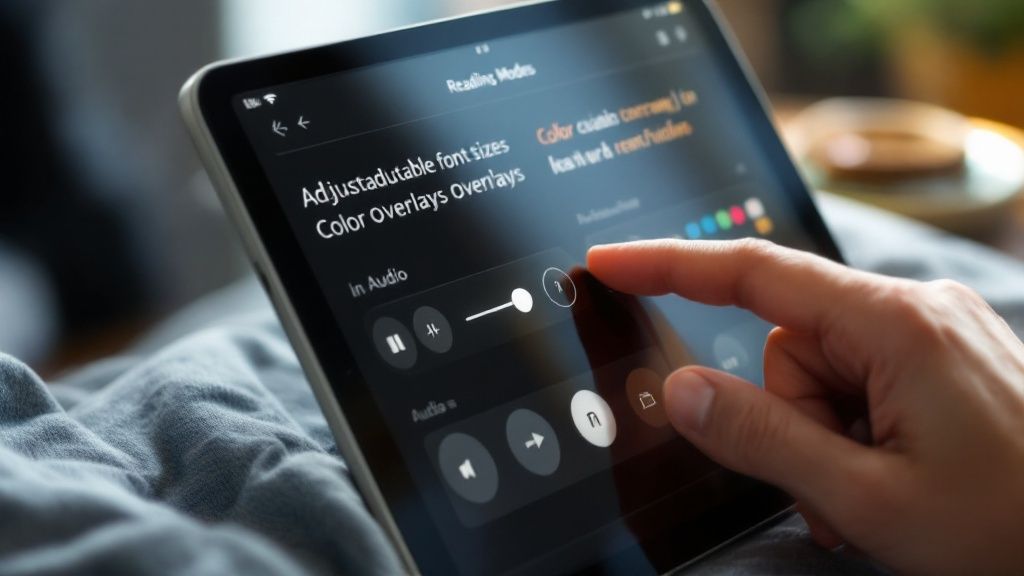
When you look at any effective reading app for dyslexia, there’s one feature that stands out as absolutely essential: text-to-speech (TTS). This isn't just about a computer reading words out loud. It's about creating a powerful, multi-sensory learning experience that actually changes the way the brain processes information.
By hearing words spoken clearly while simultaneously seeing them on the page, a user engages two senses at once. This dual-channel learning is incredibly powerful for cementing word recognition and building that crucial bridge between what a word looks like and how it sounds.
It Lightens the Mental Load
Think of reading like juggling. For a typical reader, it might be like juggling two or three balls—decoding, finding the rhythm, and understanding the meaning. It's a manageable task. For someone with dyslexia, however, it can feel like trying to juggle ten balls at once. The sheer mental effort just to figure out what the letters say is enormous.
A text-to-speech tool steps in and takes most of those juggling balls away. It handles the decoding, the pronunciation, and the pacing, freeing up the reader to focus on the one thing that really matters: grasping the meaning behind the words. This dramatically lowers the cognitive load.
You can think of text-to-speech as a patient, tireless reading partner. It provides a perfect, consistent model of fluent reading, which helps build confidence and makes the whole process feel less overwhelming and far more enjoyable.
This kind of support turns reading from a frustrating chore into a genuine opportunity for learning and discovery. It's a big reason why the market for specialized dyslexia reading coach apps hit an impressive USD 1.02 billion in 2024. As detailed in this growing market for dyslexia support, these tools often lean heavily on multi-sensory features like TTS to help users thrive.
The Right Voice Makes All the Difference
Of course, the quality of the TTS voice is everything. A robotic, flat voice is grating and can make it nearly impossible to listen for more than a few minutes. That's why Speak4Me uses incredibly advanced, natural-sounding voices that turn listening into a genuinely pleasant and engaging activity.
This transforms any piece of text, from a dense textbook chapter to a blog post, into something closer to an audiobook. You can learn more about how text-to-speech helps dyslexia on our blog. Ultimately, a great voice helps you stay focused and absorb information without getting worn out by the sound.
Ready to see how a top-tier TTS can completely change your reading experience? Download Speak4Me free on iOS and hear the difference for yourself.
What to Look for in a Dyslexia App
Beyond just reading text aloud, what really makes a reading app for dyslexia stand out? The best ones go deeper, giving you the power to control how the text looks on the screen. It's all about providing thoughtful, customizable features that tackle the specific visual hurdles many people with dyslexia face.
The most important feature is the ability to adjust the text itself. This means offering specialized, dyslexia-friendly fonts like OpenDyslexic. This font is designed with heavy-weighted bottoms on the letters, which can help keep them from looking like they're flipping or rotating—a common frustration. Equally crucial is the ability to change the spacing. Simply increasing the space between letters, words, and even lines can make a world of difference by reducing "visual crowding," where text feels like it's all running together.
This infographic really captures how an app with the right features can turn reading from a struggle into something genuinely enjoyable.
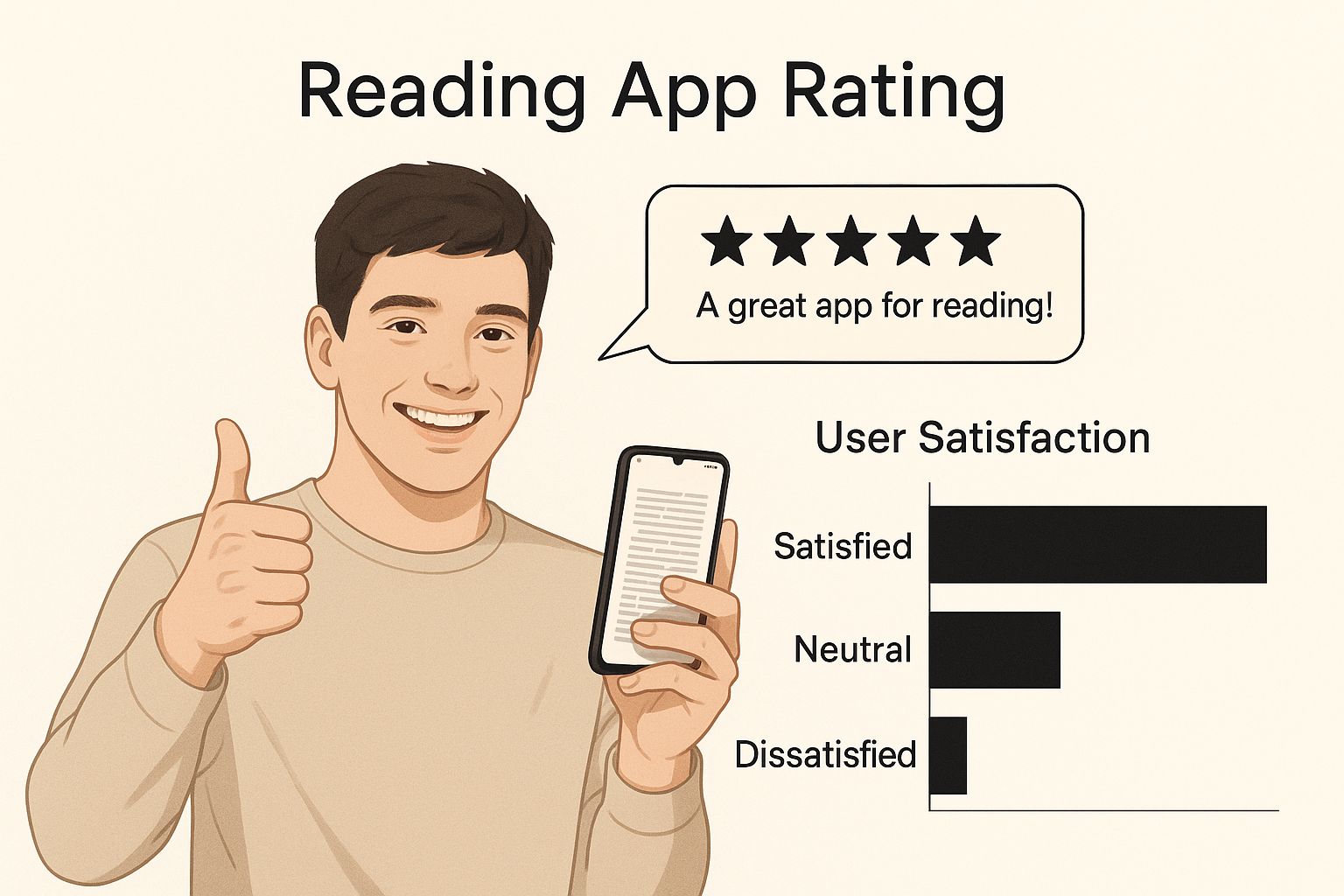
As you can see, a well-designed reading app isn't just a tool; it's a source of support and control that builds confidence.
Making the Visual Experience Your Own
Color and contrast play a huge role, too. Staring at stark black text on a bright white screen can quickly lead to eye strain and headaches, often called visual stress. That’s why a top-tier app will always include several high-contrast color themes.
Sepia or Cream Backgrounds: Softer, warmer tones like these are much easier on the eyes, allowing for longer reading sessions without the fatigue.
Dark Mode: Flipping the script with light text on a dark background is another fantastic way to cut down on glare and overall screen brightness.
When you can personalize these settings, your screen transforms into a calm, comfortable space for reading. The final piece of the puzzle is a simple, clean interface. You shouldn't have to hunt for the controls. The design should be so intuitive that your focus stays on the content, not on navigating the app. We built Speak4Me with this philosophy at its core—a clean design packed with powerful, easy-to-use customization options.
When choosing an app, it's helpful to know which features are absolutely essential versus those that are simply nice extras. This table breaks it down.
Comparing Essential vs. Nice-to-Have App Features
Feature Category | Essential Feature | Nice-to-Have Feature |
|---|---|---|
Text Customization | Dyslexia-friendly fonts, adjustable text size, and spacing (letter, word, line). | Library of dozens of different font styles. |
Visual Comfort | High-contrast color themes (e.g., dark mode, sepia) and brightness control. | Customizable color picker for text and background. |
Core Functionality | High-quality text-to-speech with adjustable speed and natural-sounding voices. | A built-in dictionary or vocabulary builder. |
Content Input | Ability to scan physical text with OCR, import files, and copy-paste text. | Browser extension for reading web pages directly. |
User Interface | Simple, clean, and uncluttered design with easy-to-find controls. | Gamification elements or progress tracking. |
This comparison should help you prioritize what truly matters when you're testing out different options. While extra bells and whistles are fun, the essential features are the ones that directly reduce reading barriers.
When an app delivers these core features, it’s doing more than just showing you words. It's actively tearing down the visual obstacles, freeing up your mind to connect with the ideas and stories on the page.
Many of the most effective dyslexia apps are built on proven teaching methods. You can explore some of these in these powerful reading comprehension strategies for educators, which show the very techniques these apps are designed to support.
Ready to see how these features can make a difference for you? Download Speak4Me free on iOS and experience a new kind of reading comfort and clarity.
How Speak4Me Actually Changes the Game
It’s one thing to list a bunch of features, but it’s another thing to see how they work in the real world. Let's walk through a couple of common scenarios to show you how Speak4Me can turn a frustrating reading task into a genuinely manageable one.
Think about a college student staring down a dense, 30-page chapter in a history textbook. That wall of text alone can be intimidating. Instead of fighting through it word by word, they can just pull out their phone and open Speak4Me.
A quick scan with the camera is all it takes. The app's built-in Optical Character Recognition (OCR) instantly digitizes the page, making the printed words ready for action.
From Printed Page to Clear Audio
With a simple tap, a natural-sounding voice starts reading the chapter out loud. The student can follow along visually as the app highlights each word as it’s spoken. This combination of seeing and hearing the text at the same time is a well-known game-changer for boosting understanding and memory.
Here’s the best part: the student is in the driver's seat. If they hit a tricky paragraph, they can slow down the reading speed to really digest the information. That simple control makes all the difference, allowing them to learn at a pace that actually works for them.
Making Any Document Accessible
Okay, different scenario. Imagine a professional who just got a long report as a PDF. Instead of dreading the eye strain, they just import the file into Speak4Me right from their email or cloud drive.
Just like that, the report is ready to be listened to on their commute or during a lunch break. This is where Speak4Me really shines—it’s not just for books. It’s built for the messy reality of everyday life.
It handles pretty much any text you can throw at it:
Physical Documents: Scan books, mail, or class handouts on the fly.
Digital Files: Easily import PDFs, Word docs, and other text-based files.
Web Articles: Just copy and paste text from a website to listen to it later.
Think of Speak4Me as a universal translator for the written word. It gets rid of the struggle of decoding letters and lets you focus on what actually matters: the ideas behind them.
This isn't just about making reading easier; it's about giving you a reliable way to access information, no matter where it comes from. It turns a chore into something you can do anywhere, anytime.
Ready to see how it feels? You can download Speak4Me free on iOS and give it a try yourself.
Making a Reading App Part of Your Daily Routine
Downloading a new tool is the easy part. The real magic happens when you actually weave it into the fabric of your everyday life. Integrating a reading app for dyslexia isn't about adding another task to your to-do list. It’s about finding where it can naturally fit into what you’re already doing—at school, at work, or just for fun.
The key is to start small and build momentum. Don't try to tackle a dense technical manual on day one. Instead, use the app for something you already enjoy, like catching up on a favorite blog or listening to a news article. This creates a positive connection and makes using the app feel less like a chore and more like a tool that makes life easier.
For Students Mastering Their Coursework
A reading app like Speak4Me can become a student's secret weapon. It goes way beyond just getting through assigned readings and offers some clever ways to step up your study game.
Proofread Your Essays: Have the app read your own writing back to you. Your ears will catch awkward phrasing, typos, and grammatical mistakes that your eyes might skim right over. It’s a game-changer for editing.
Review Class Notes: Snap a picture of your handwritten notes or upload a digital file to listen to them on the go. This turns a walk across campus or a bus ride into a productive study session.
Absorb Dense Material: Instead of trying to read a massive textbook chapter in one sitting, listen to it in smaller, manageable chunks. This makes complex topics much easier to digest.
For Professionals Navigating a Busy World
In the professional world, time is money, and the sheer volume of text we face can be overwhelming. Speak4Me helps you stay on top of it all without having to stare at a screen for hours.
You can listen to long email threads while grabbing a coffee or get through industry reports during your commute. It’s a simple, powerful way to reclaim your time and process information without getting bogged down.
This shift toward assistive tools is happening everywhere. The global dyslexia software market, which includes reading apps, is valued at around USD 500 million in 2025 and is expected to grow. This growth shows a real global movement toward making these supportive tools a standard part of daily life, as you can see in more detail about this expanding market for dyslexia software.
Speak4Me isn’t just another app; it’s a partner built to help you navigate a world filled with text. It gives you the freedom to consume information on your terms, wherever you are.
By finding these small, consistent moments to use the app, you start building a powerful new habit. To help you along, we’ve put together a guide on effective reading strategies for dyslexia that work perfectly with the app’s features.
Ready to make reading a seamless part of your life? Download Speak4Me free on iOS and see how it can support you every single day.
It’s Time to Take Control of Your Reading
Living with dyslexia means reading can be a real challenge, but it absolutely doesn't have to be a constant struggle. The right kind of tech support can make a world of difference, completely flipping your relationship with the written word from frustrating to fulfilling.
Think of a top-tier reading app for dyslexia as your personal co-pilot for text. It's not just about reading words aloud; it’s about having a tool that combines excellent text-to-speech with a simple, clean interface and settings you can tweak to fit exactly what you need. This is how you break down the walls that make reading feel like a chore. Imagine diving into textbooks, work reports, or your favorite blogs without that familiar feeling of friction and exhaustion.
Technology gives us a new way to get to the heart of the matter. This isn't about finding a shortcut; it's about building a reliable bridge that connects you straight to the information, letting you learn in the way that works best for you.
This is so much more than just a helping hand. It's about regaining your confidence and taking back control over how you learn and process information. That feeling of empowerment is what truly changes the game.
Don't let reading friction hold you back for another day. Your journey toward easier, more enjoyable reading can start right now.
Download Speak4Me for free on iOS and take that first, powerful step.
Got Questions? We've Got Answers.
When you're exploring how a reading app for dyslexia can fit into your life, a few questions naturally pop up. Let's walk through some of the most common ones.
How Do These Apps Actually Help With Understanding What I Read?
It's all about connecting what you see with what you hear. When an app reads text aloud while highlighting the words on the screen, it takes the heavy lifting of sounding out words off your plate.
This frees up your brain to do the important stuff: focusing on the meaning behind the words. Instead of getting stuck on decoding, you can absorb the ideas and follow the story. With a natural-sounding voice like the ones in Speak4Me, listening becomes effortless, making it much easier to truly comprehend the material.
Are These Apps Just for Kids or Students?
Not at all. While they're a game-changer in the classroom, these apps are just as powerful for adults. Think about it: getting through a packed email inbox, reviewing detailed reports for work, or just catching up on industry news becomes so much more manageable.
And it's not just for work. They're fantastic for leisure, too. You can finally dive into that novel you've wanted to read or browse your favorite blogs without the usual frustration. Speak4Me is built for everyone, no matter if you're in school, in the office, or relaxing at home.
Will I End Up Relying on It Too Much?
It's helpful to think of a reading app like a pair of glasses. It’s a tool that helps you access the world more clearly. The point isn't to stop you from reading, but to make reading a positive and accessible experience. In fact, hearing words pronounced correctly while you see them can actually build your reading skills over time.
This isn't about creating a dependency; it's about giving you the power to choose how you want to take in information. It’s a way to build confidence and repair your relationship with the written word.
The app becomes a trusted partner, not a crutch. It gives you the freedom to engage with text on your own terms.
Ready to feel that support for yourself? Speak4Me can help you take back control of your reading. Download Speak4Me for free on iOS
Try Speak4Me for Free
